


The social network for car culture.
Find the next meet, show off your car and talk cars with people who get it.
- Feed
- Likes
- Comments
- Videos
- Cenas
- Stories
- Photo tags
- Conversations
- Follow cars
- Spec sheet
- Meets
- Check-in
- Clubs
- Map
- Ride
- Hotzones
- Fuel
- Marketplace
- Missions
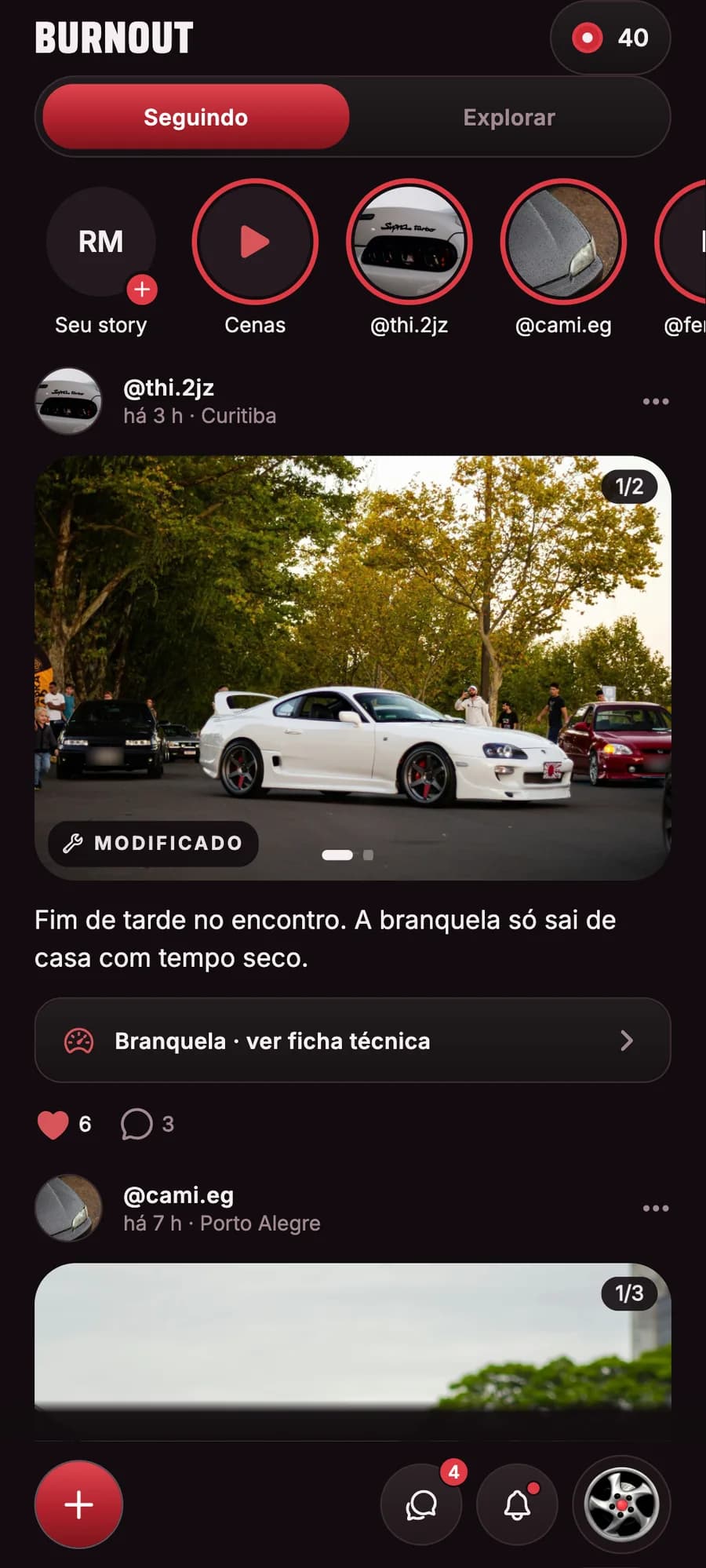
The whole scene in one feed
Show your car to people who get it.
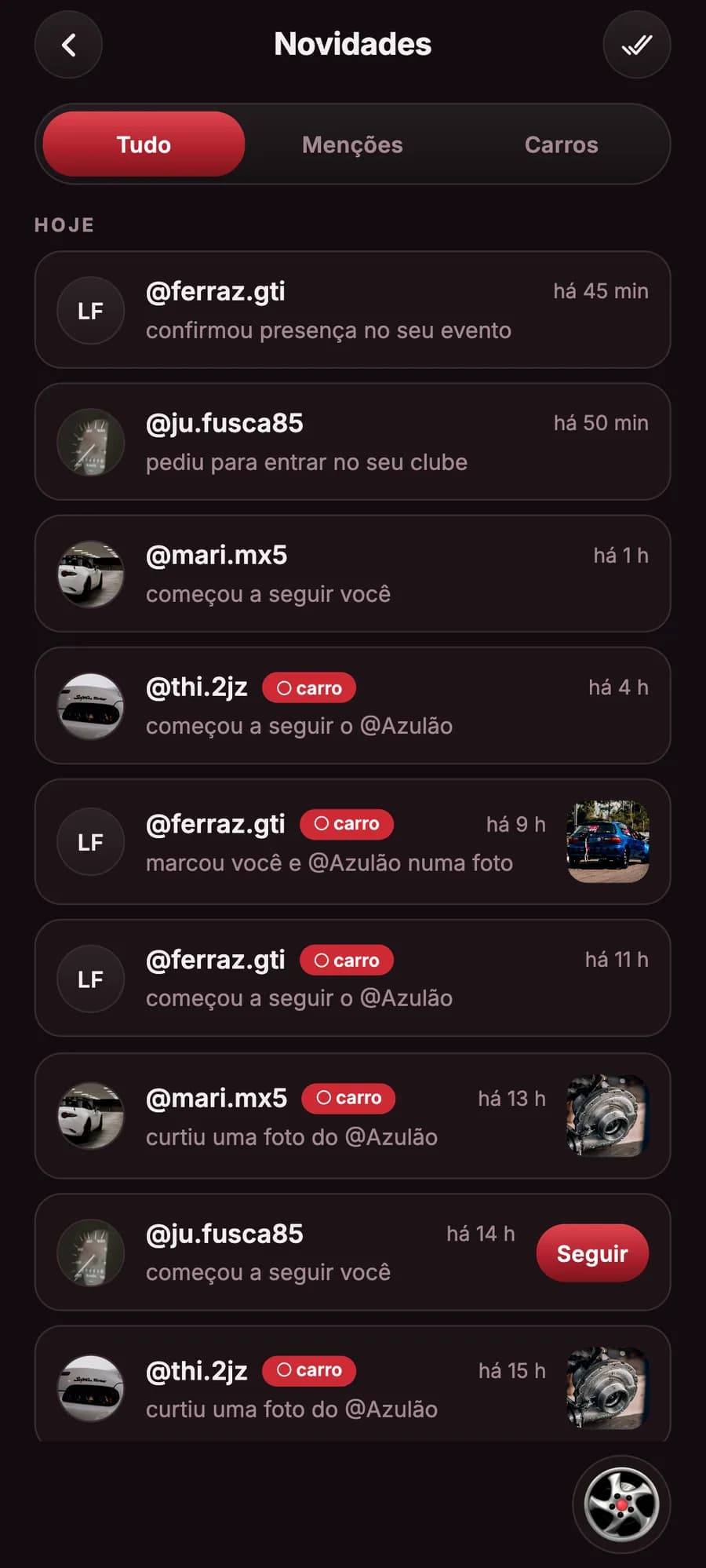
Activity
Who liked, commented on or started following your car.
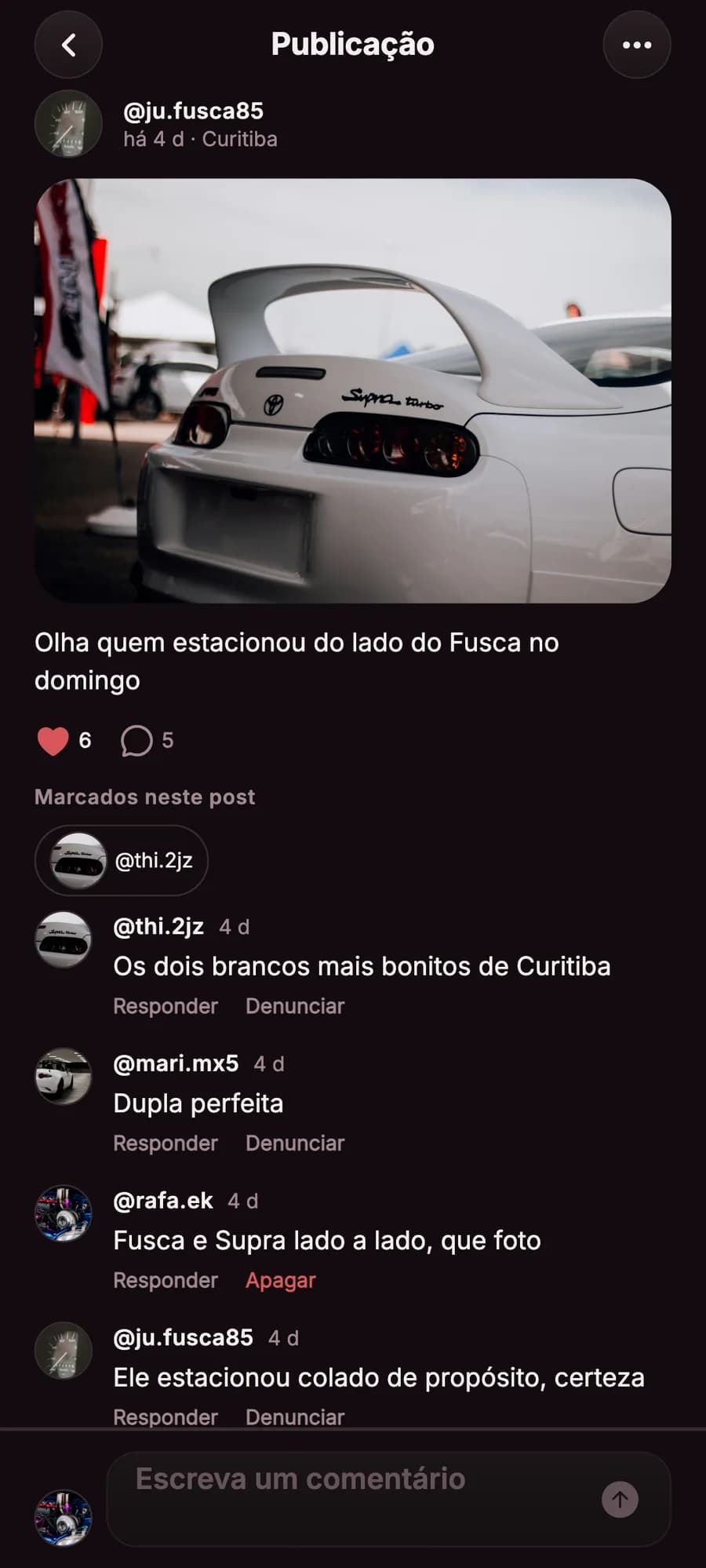
Likes and comments
Every post brings the crew together.
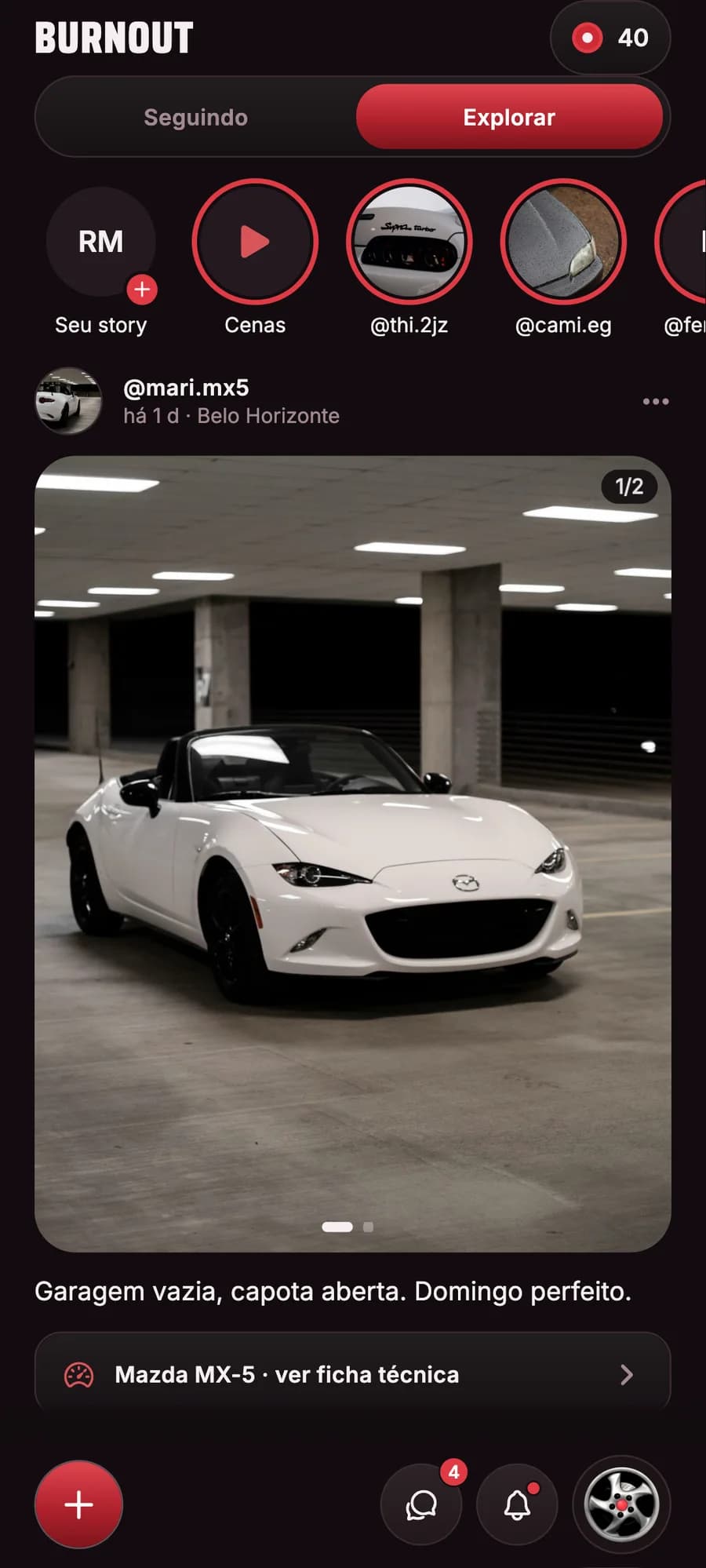
Explore
New cars and new people from the scene.
- Posts
- Photos from the ride with the car tagged, which land on its page.
- Video, Cenas and stories
- Mix video and photos in the same post, watch Cenas and tell your day in stories that disappear after 24 hours.
- Photo tags
- Tag your crew and each one’s car, right on the photo.
- Follow people and cars
- Follow who you like, or just the car.

Everything on the map
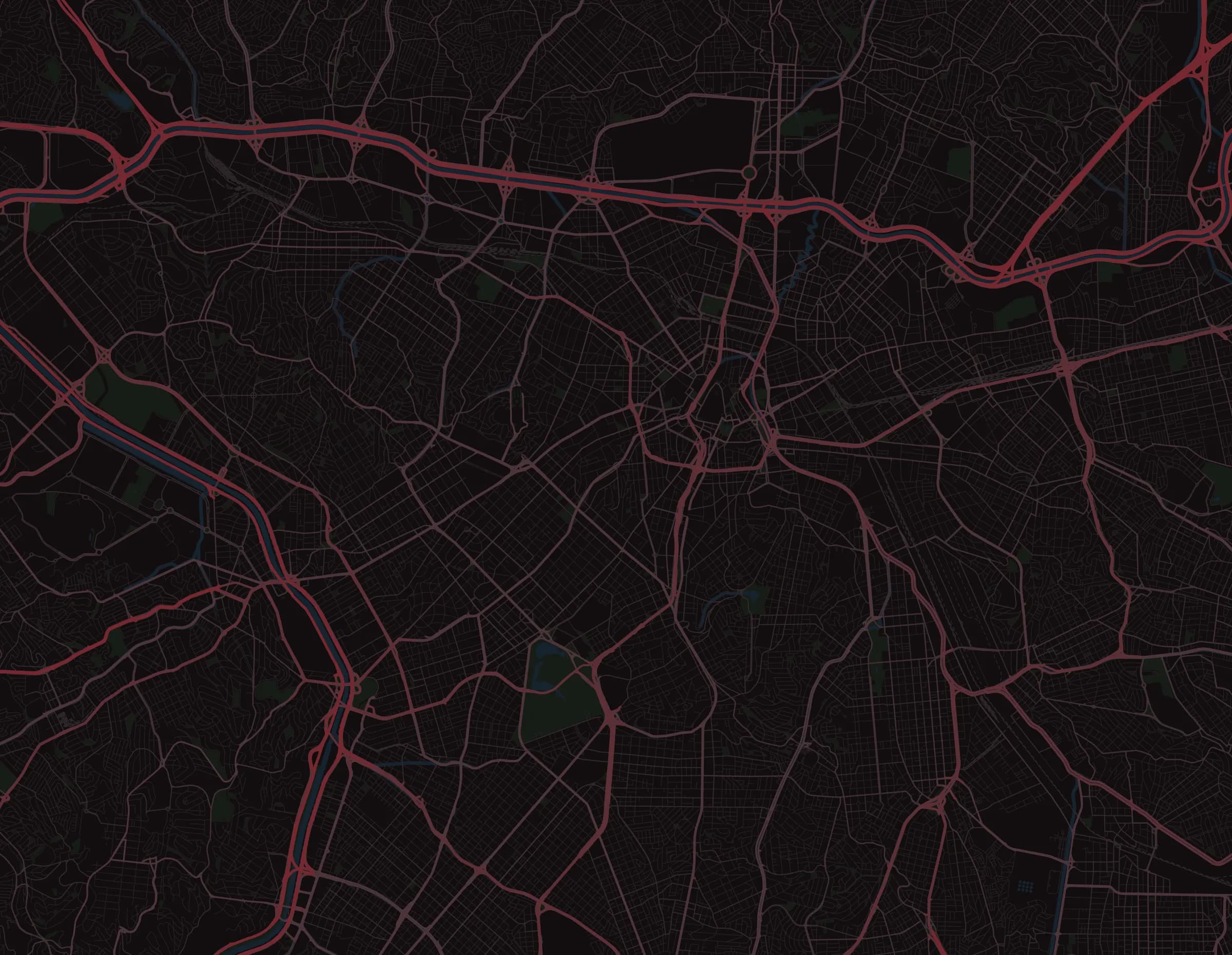
Cars on the move, meets, clubs, stores, workshops, gas stations and the scene’s spots, on one map.
Show on the map
Meet
Meet at Marechal
Santana
Sat 9 pm · Clube Marechal hosts · 18 going
And get there
Tap the pin and open the route in your maps app.
Ride
Show up on the map for 1 to 5 hours, even with the app in the background, only to the people you choose.
Hotzones
Where 3 or more people are sharing their position right now. Only the count, never who.
Fuel
Each station’s price, reported by the community, with when it was reported and how many confirmed it.
Want to be on our map too?
Stores, workshops and parts dealers subscribe to a monthly plan, from R$ 9.90, and go on the map with a pin, photos and the store’s social links.
Straight from the app
Screens from a real build, untouched, in Portuguese.
01 / 29
Feed
Posts from people you follow, with the car linked.
Hover over the screens around the circle, or use the arrow keys.

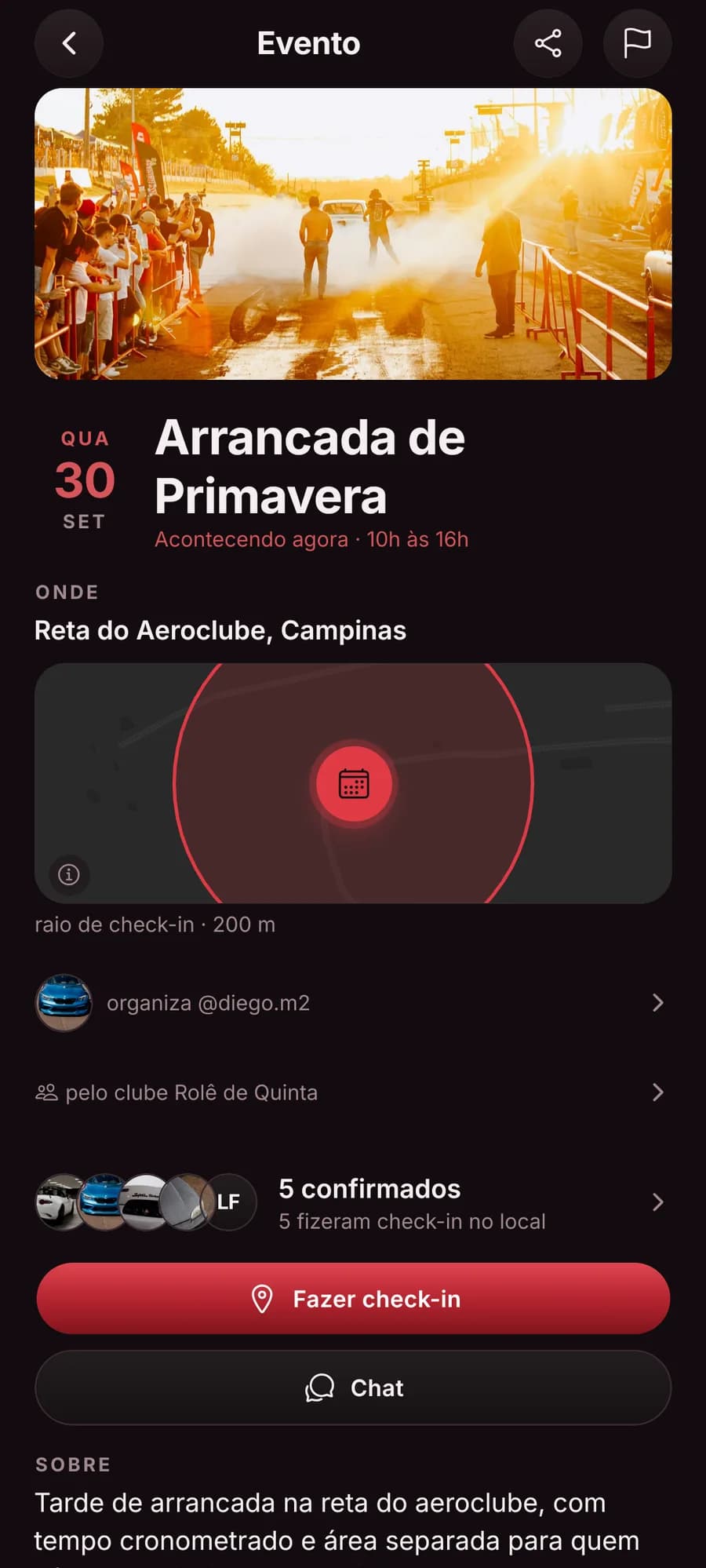
Find the next meet
See what’s happening near you, say you’re going and plan the trip with the crew.
- In the app
- Mark attendance
- On-site check-in
- Who’s going
- Meet chat
- Meet gallery
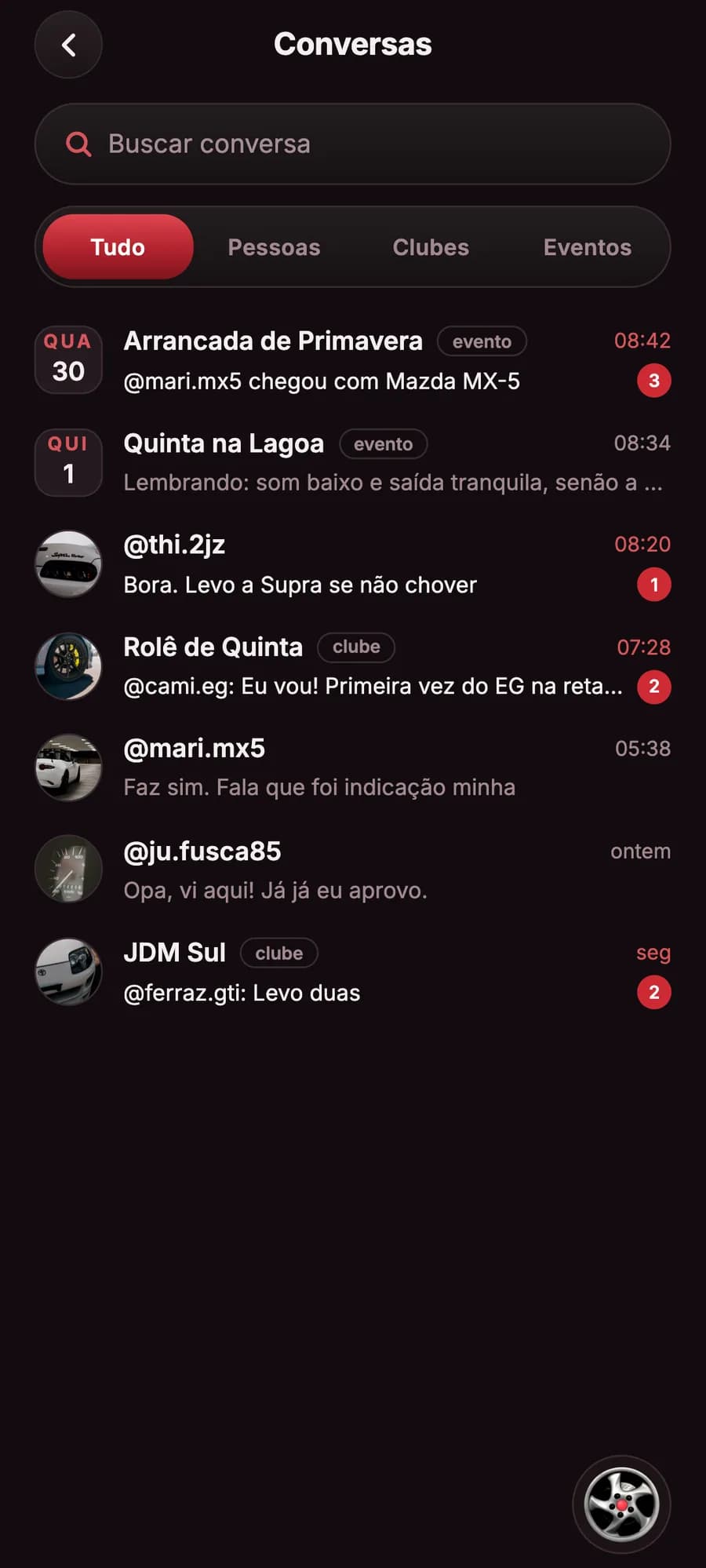
Conversations
Plan the ride without leaving the app.
Person
Direct
Message anyone from their profile.
Club
Club
The whole crew in one chat.
Meet
Meet
Plan the trip with whoever is going.
Marketplace
The deal
Talk to the seller, right from the listing.
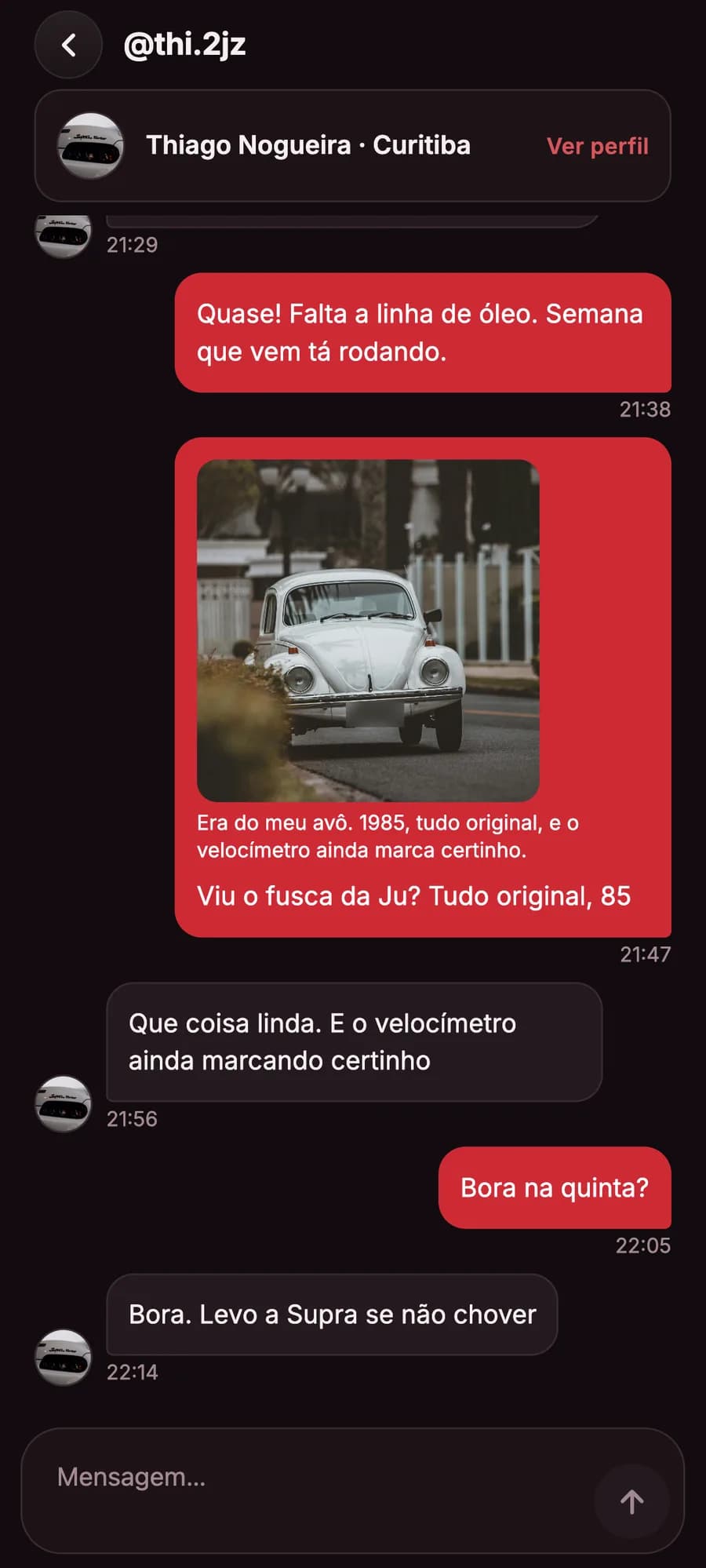
Send a post
The photo goes along in the chat.
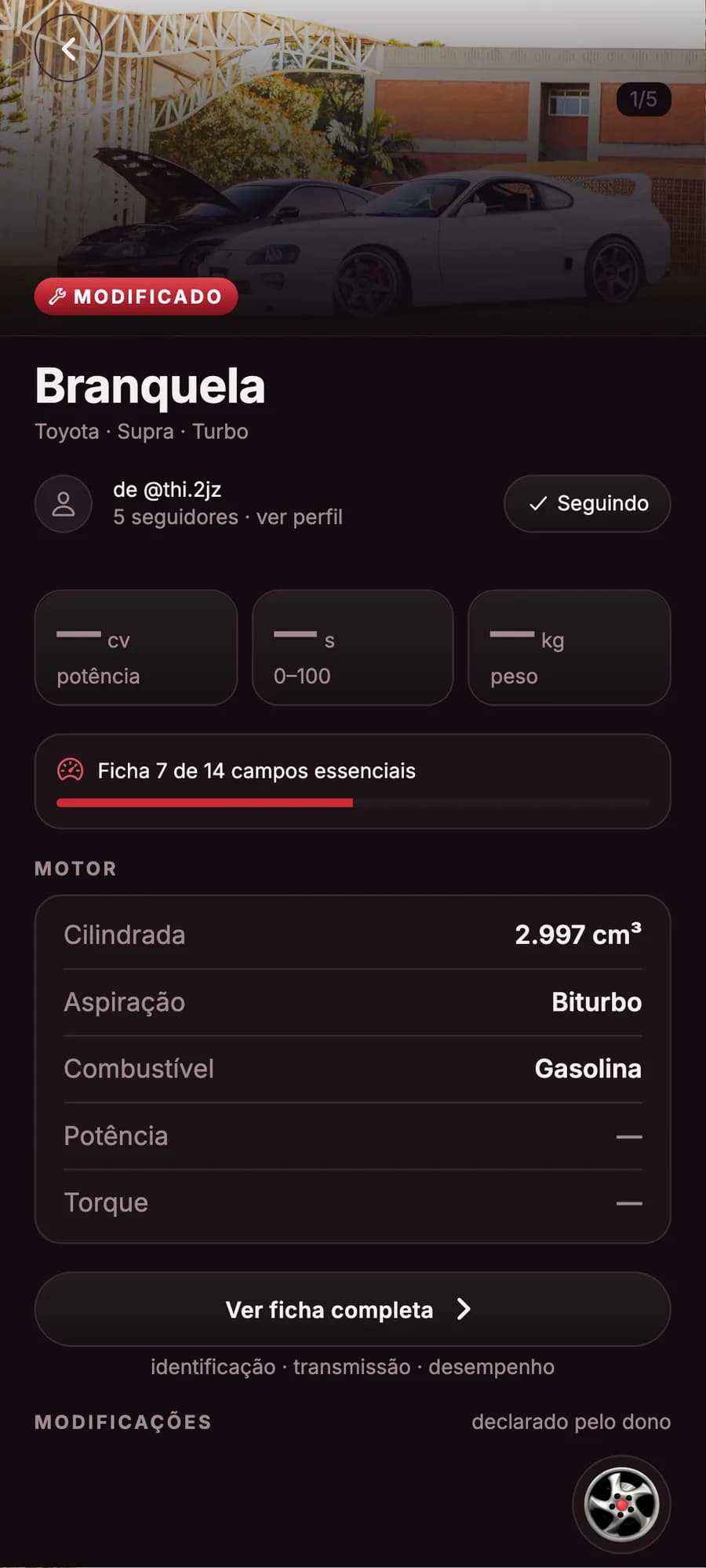
Your car, with a spec sheet
Its own profile, with photos, modifications and followers.
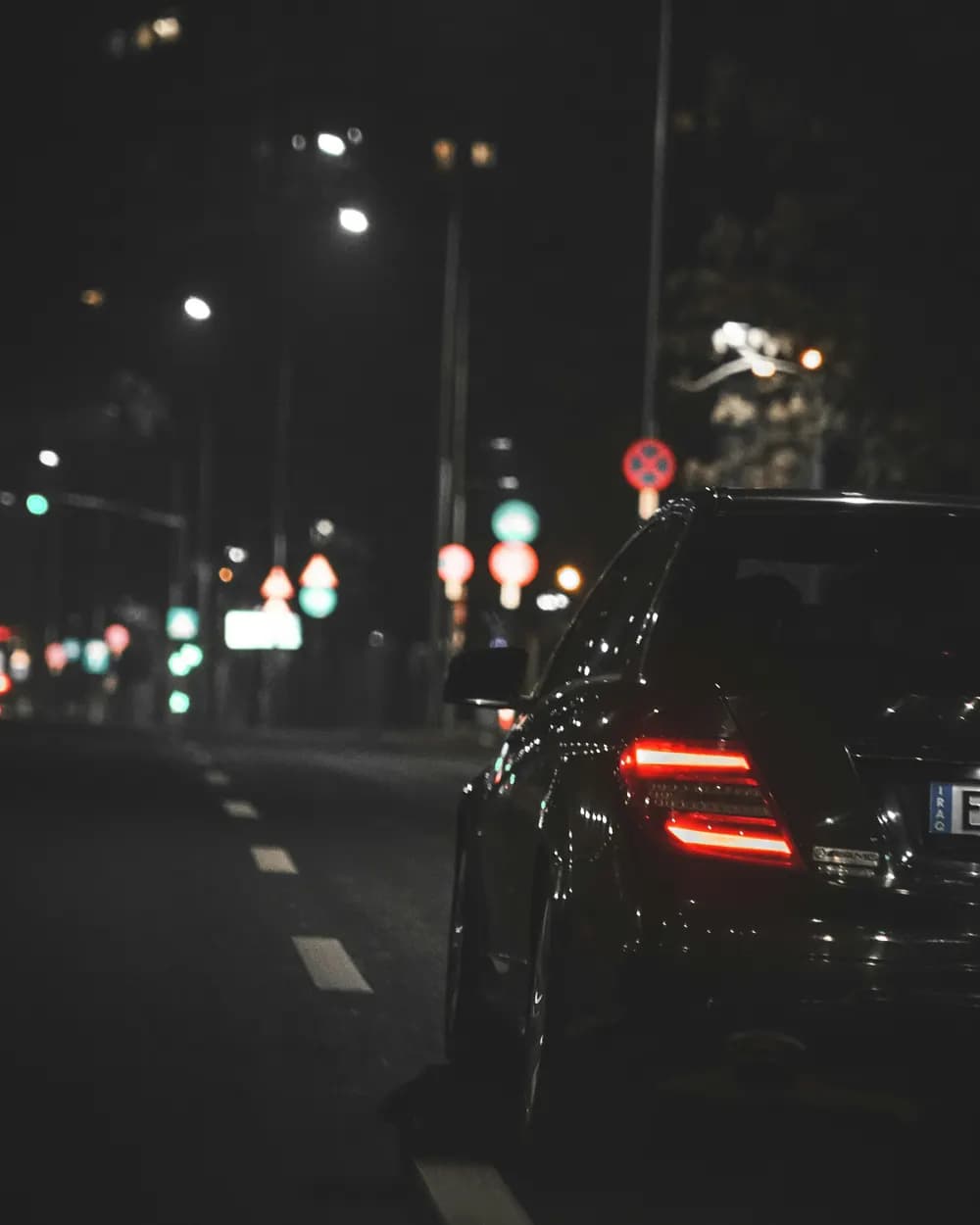
Car profile
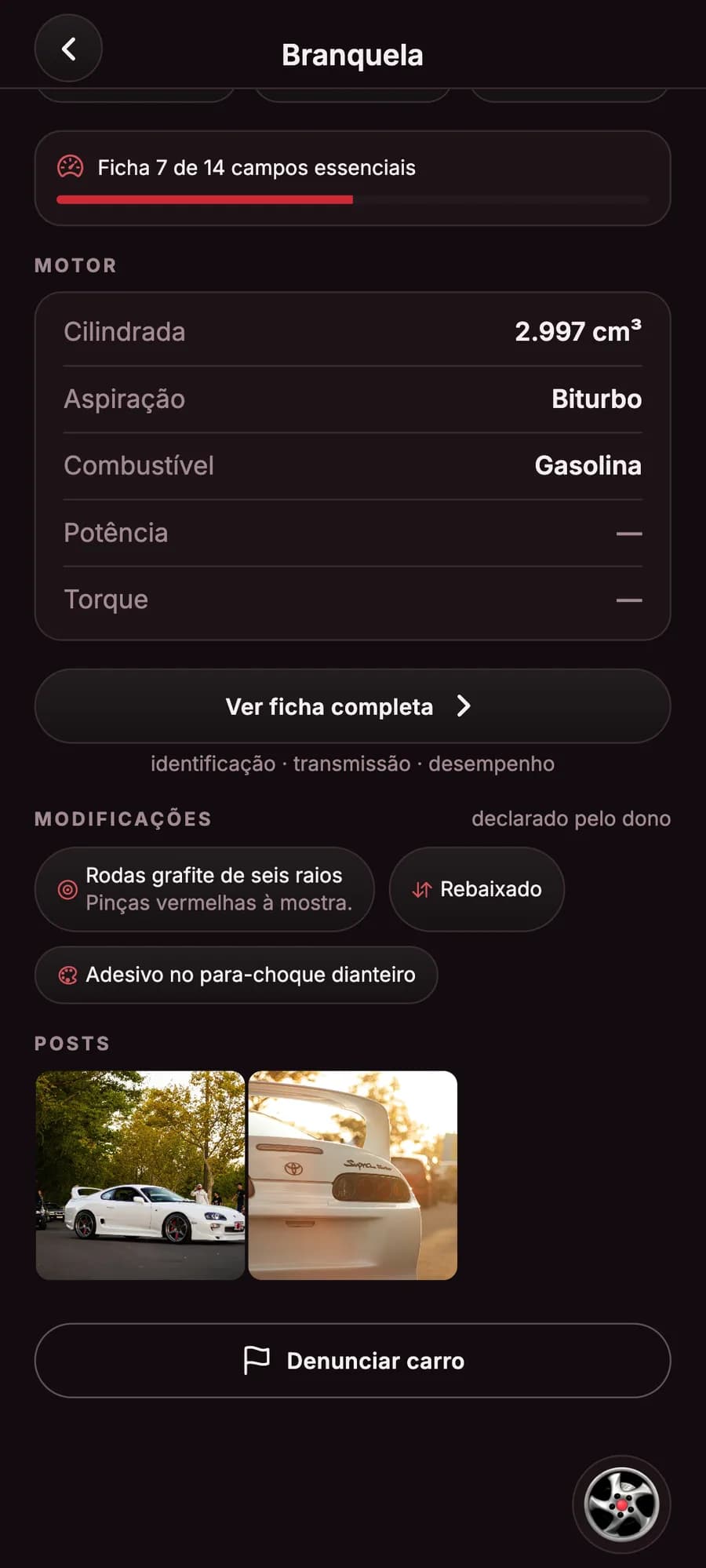
Each car has its own page: photos, owner, followers, the spec sheet and the posts it appears in.

Up to 20 photos
The cover and up to 20 photos of the car, in the order you choose.
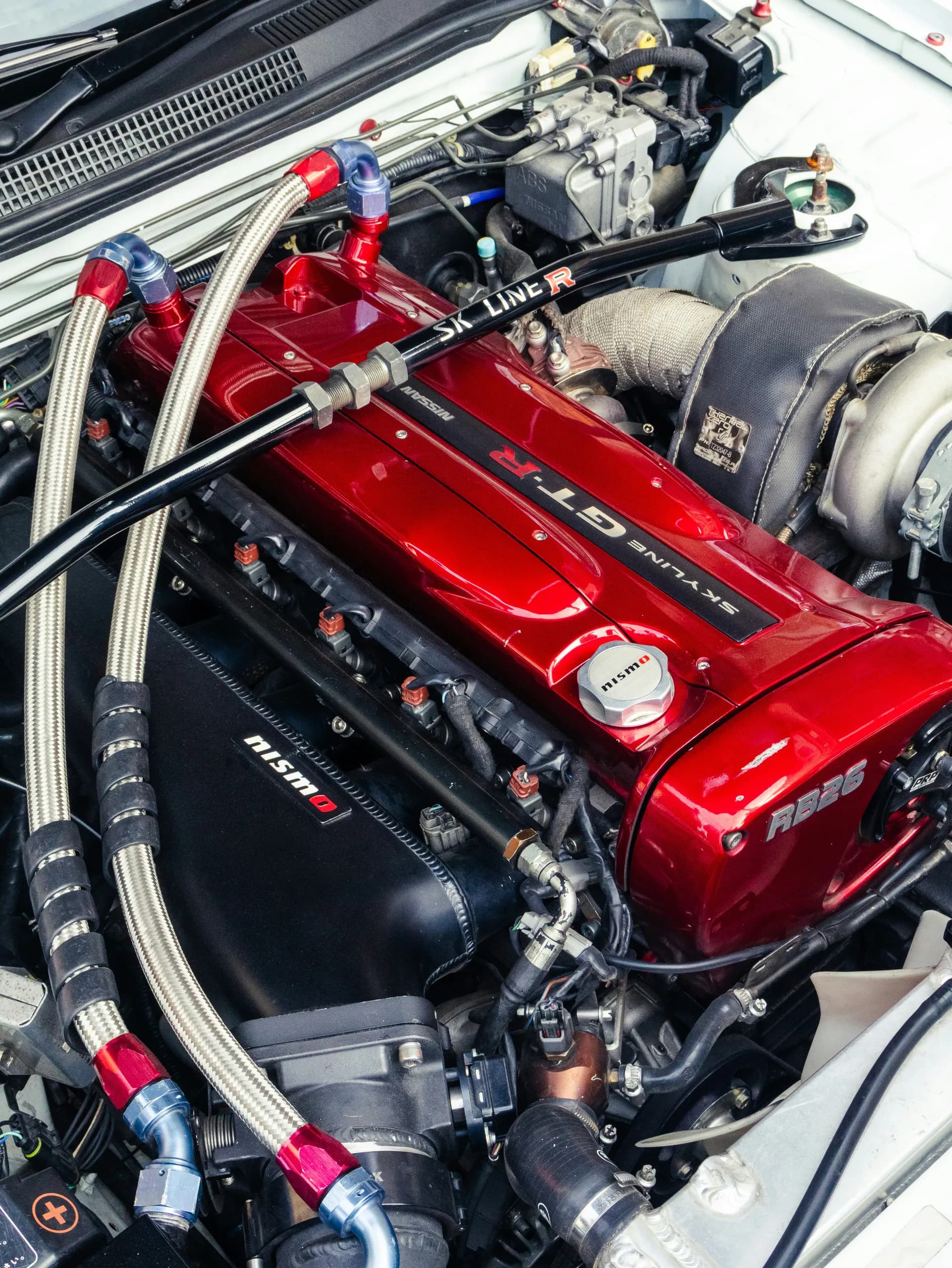
Spec sheet
Engine, transmission and performance in real fields, in Brazilian units.
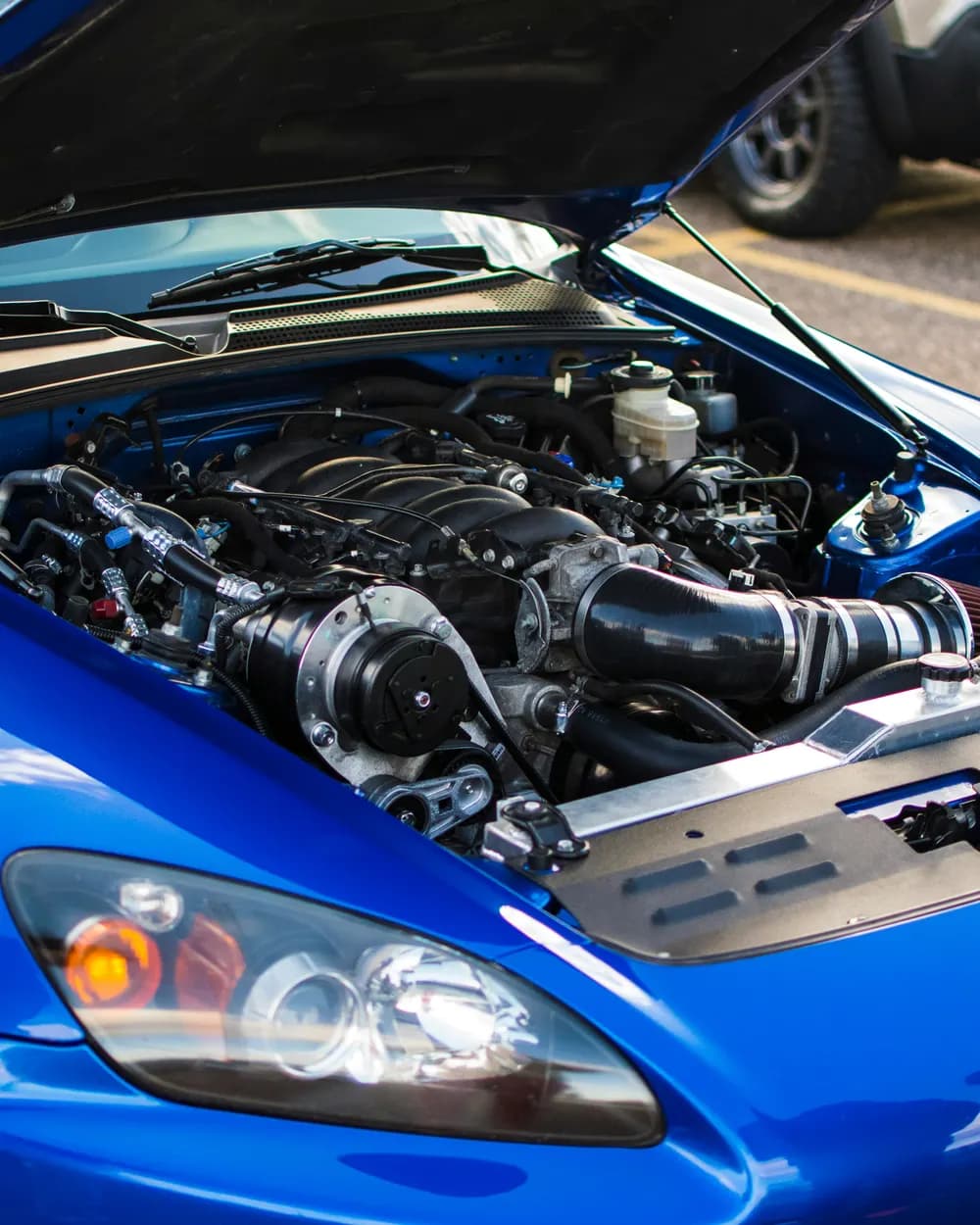
Modifications
Engine, suspension, wheels, brakes, exhaust, styling, interior and electronics: tell what you did, by category.

Stock or modified
The owner says whether the car is factory stock or tuned, and the car page shows it.
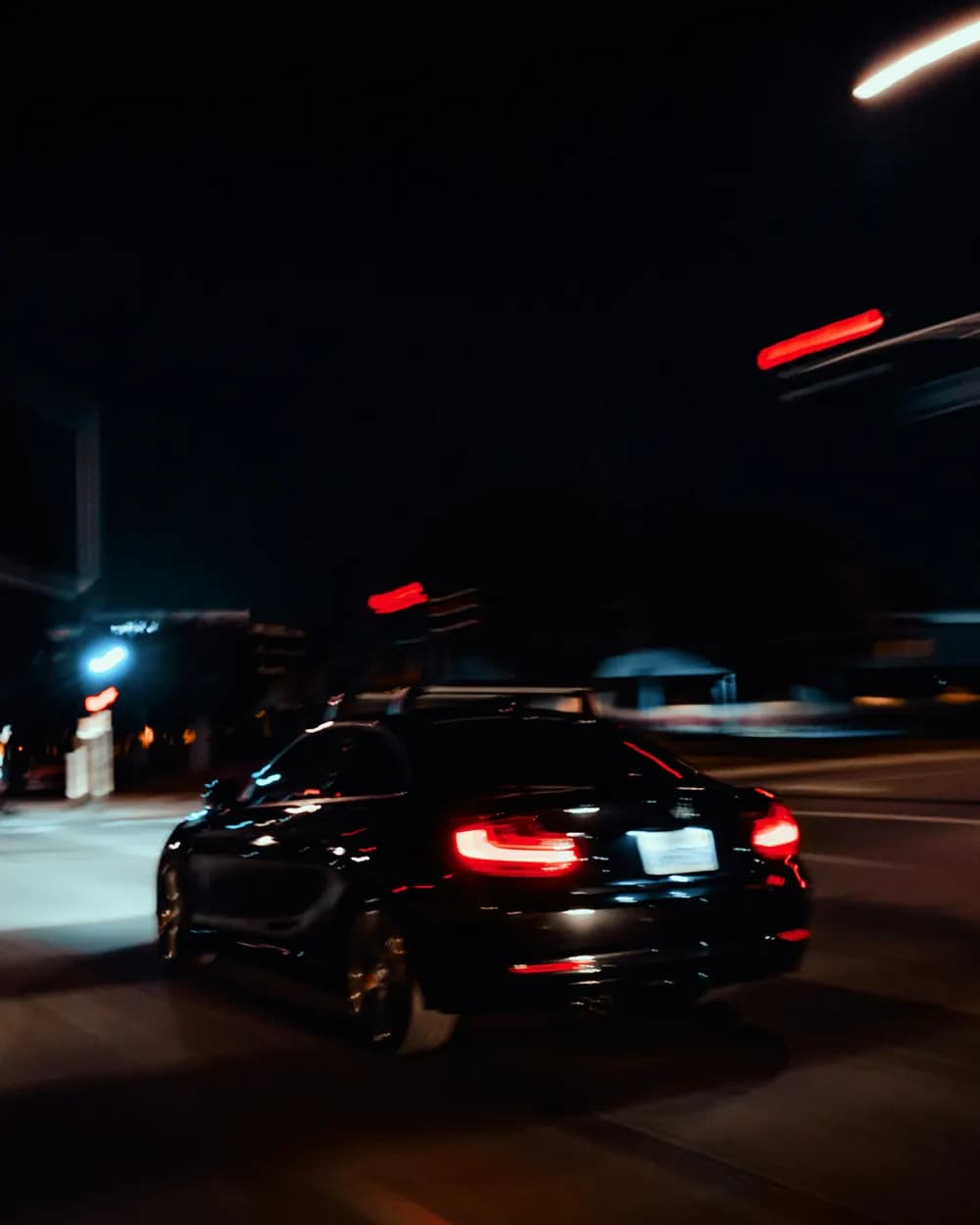
Follow the car
You can follow a car without following its owner, and its posts land in your feed.
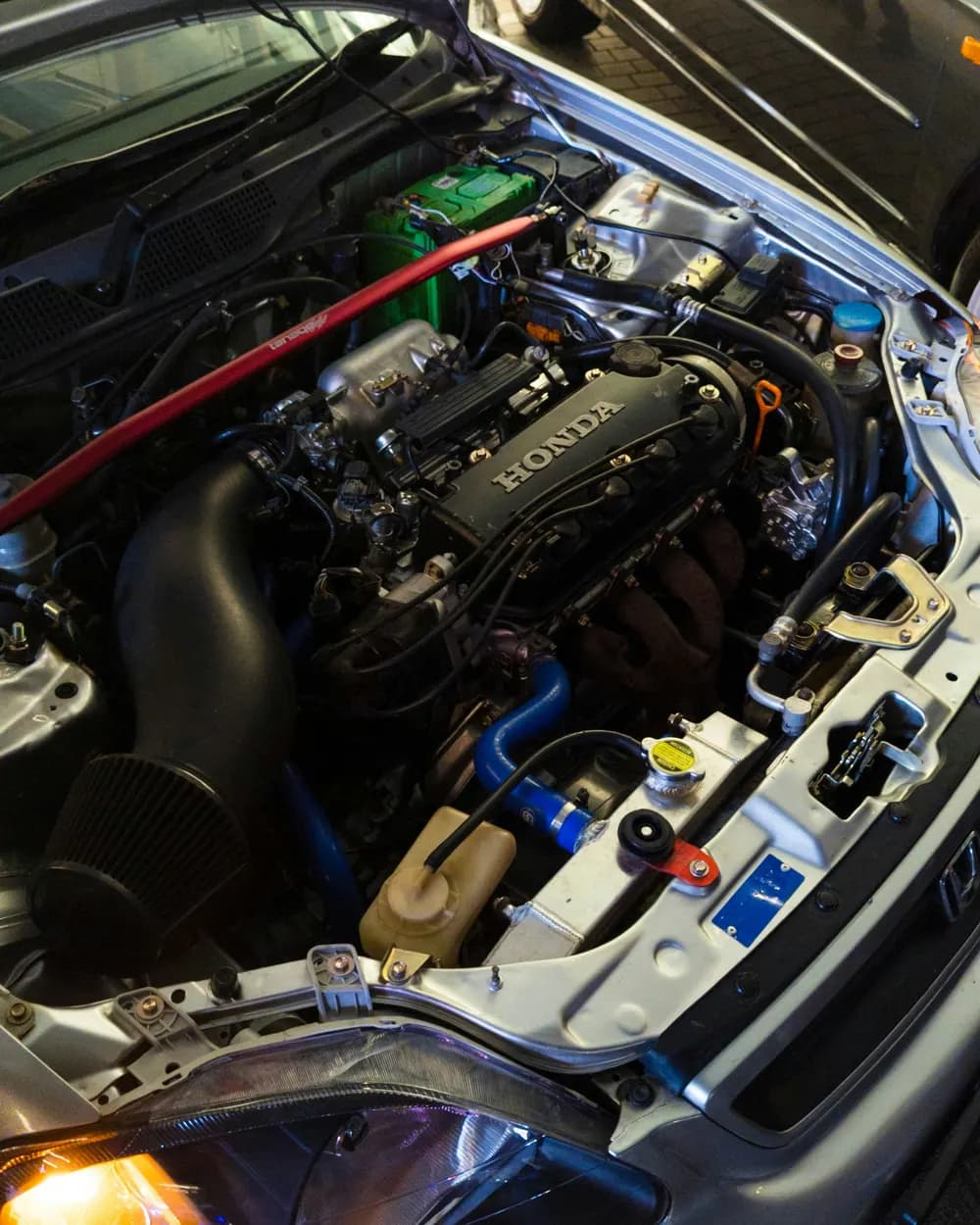
The build in posts
A post with the car linked shows up on its page: the build told photo by photo.
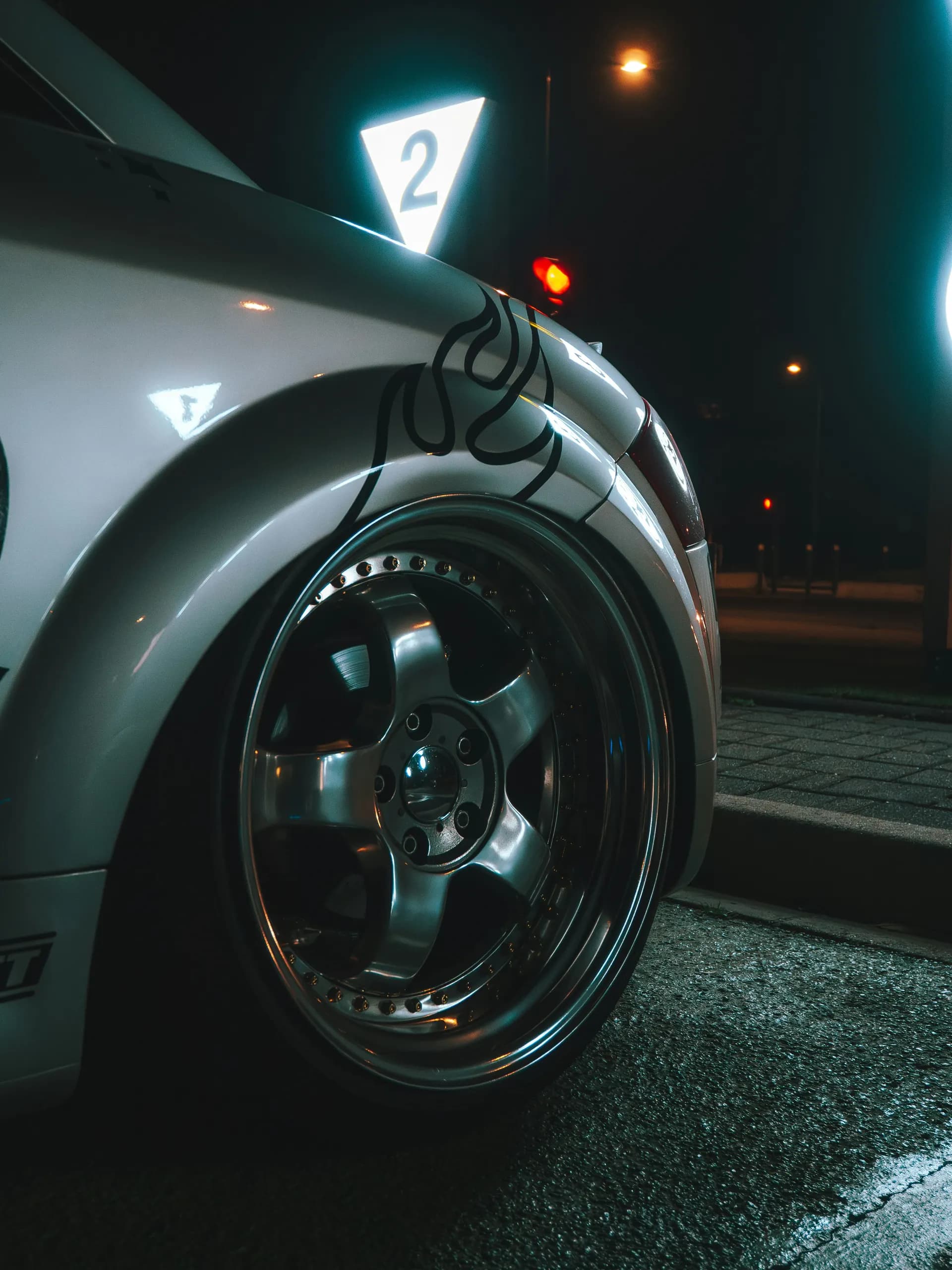
Weight-to-power
With power and weight on the sheet, the app works out the car’s weight-to-power ratio.
A real spec sheet
Engine, gearbox and performance in the right fields, in Brazilian units. The owner fills it in.
Spec sheet
Declared by the owner
- Displacement
- in liters, like 1.6 or 2.0; electric cars have none
- Aspiration
- naturally aspirated, turbo, twin-turbo, supercharged, hybrid, electric
- Fuel
- gasoline, ethanol, flex, diesel, electric, hybrid
- Power
- in cv (metric horsepower)
- Torque
- in kgf·m
Complete sheet: with the 14 main fields filled in; color and body style are optional.
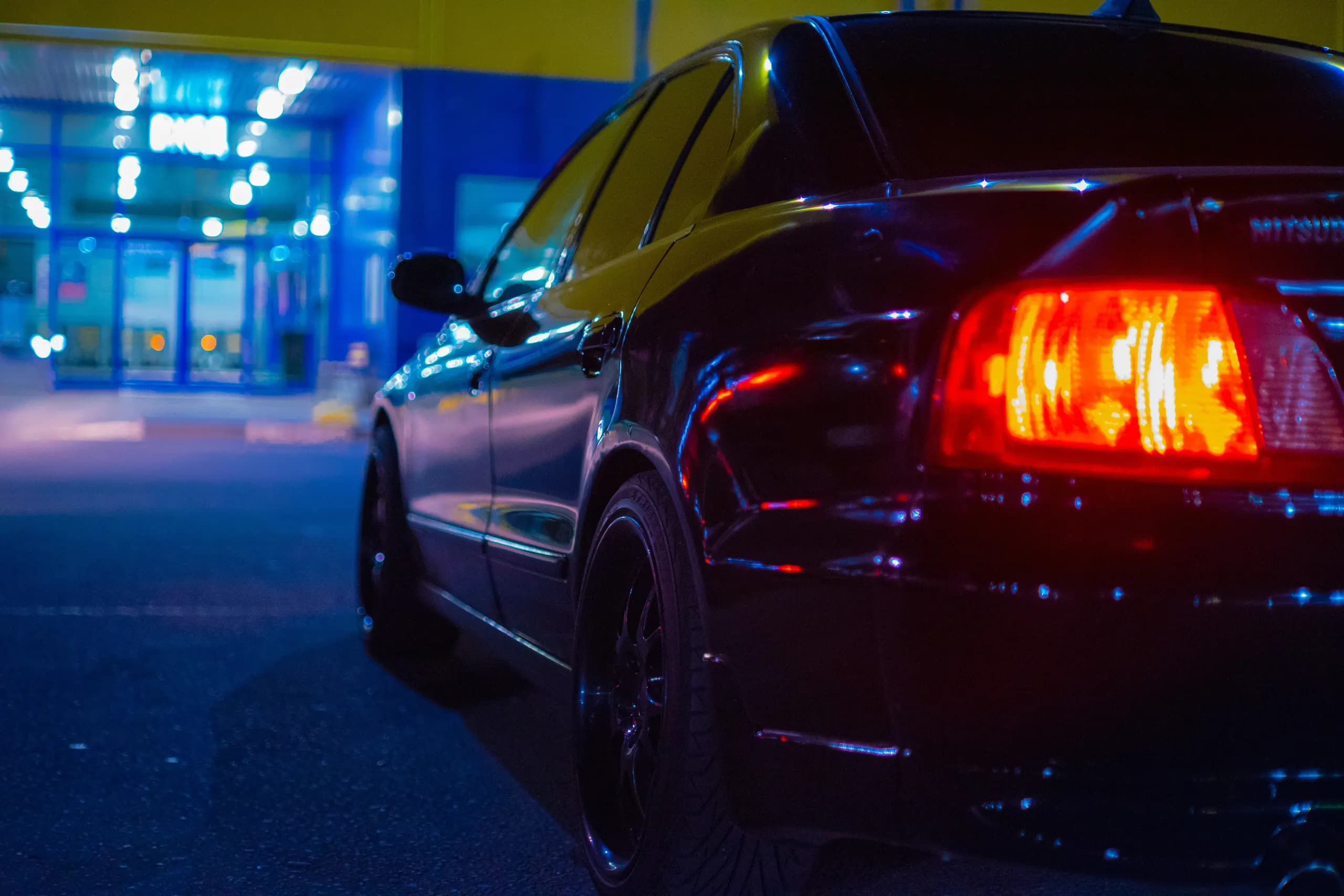
Start a club
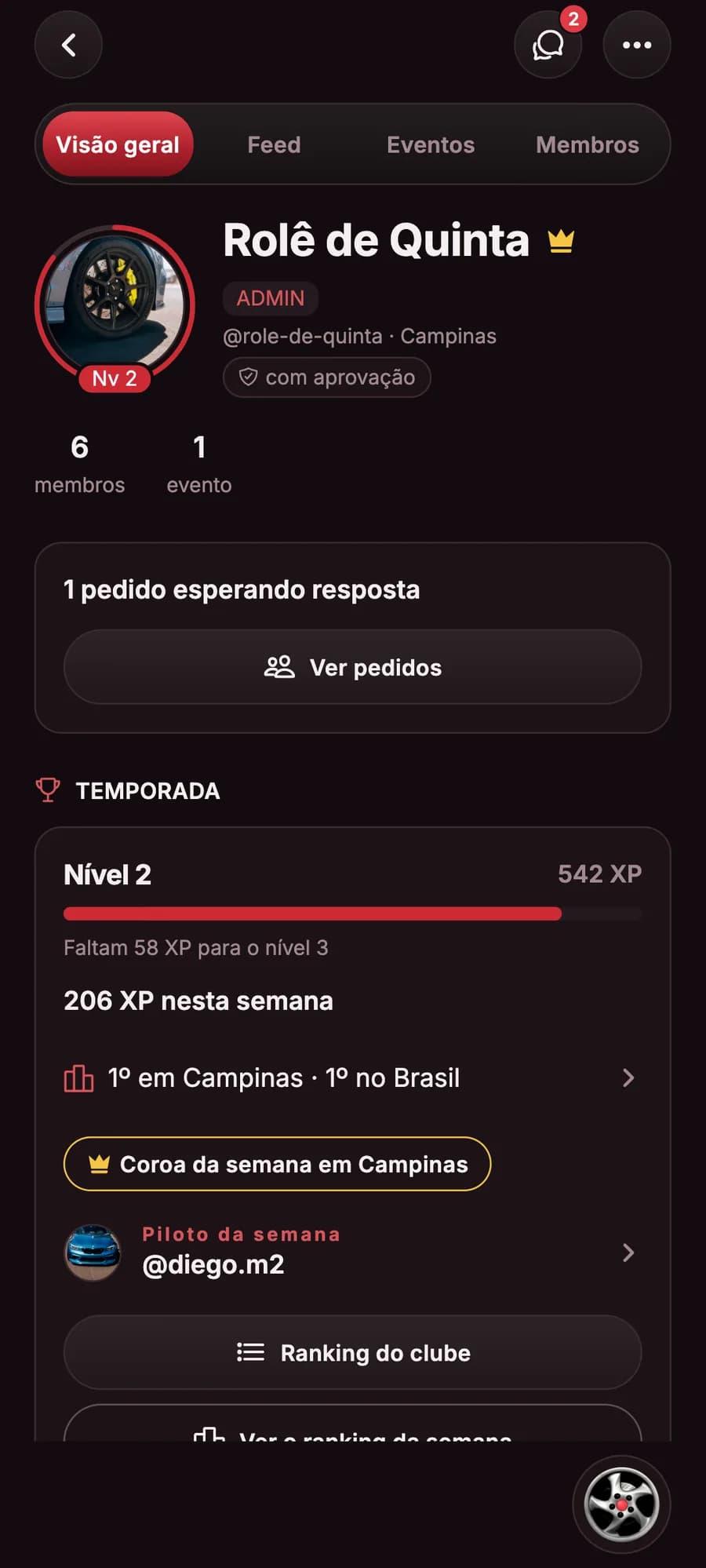
Your crew gets an address
Joining your way
Open, by approval or invite-only.
Feed and chat
Posts and talk just for the crew.
Club meets
The regular weekly meet and the extra ones.
HQ on the map
Only club members see it.
Season
Level, weekly missions and the city’s Crown.
Try your club’s @
What the club’s address looks like: @yourclub
The app suggests the address from the name: lowercase letters, numbers and hyphens, 3 to 40 characters. You can change it before creating the club; after that, it stays.
Marketplace
The part your build is missing, or your next car, listed by people from the scene.
List with photos, price, category and condition, talk straight to the seller and find what’s closest to you.
- Categories
- Vehicles
- Parts
- Accessories
- Tools and equipment
- Driver gear and collectibles
- Other
- Condition
- New
- Like new
- Used
- For parts
- In a vehicle listing
- Year
- Mileage
- Version
- Gearbox
- Fuel
- Color
- In search
- Newest
- Closest
- Region
- Car
- Seller’s other listings
Your store on the Marketplace
Every account can open a store, free: name, @, logo and cover, products with photos, price and stock, and contact through the app chat and the store’s WhatsApp.
Inside the Marketplace
Burnout does not handle payment or delivery: buyers deal directly with sellers.
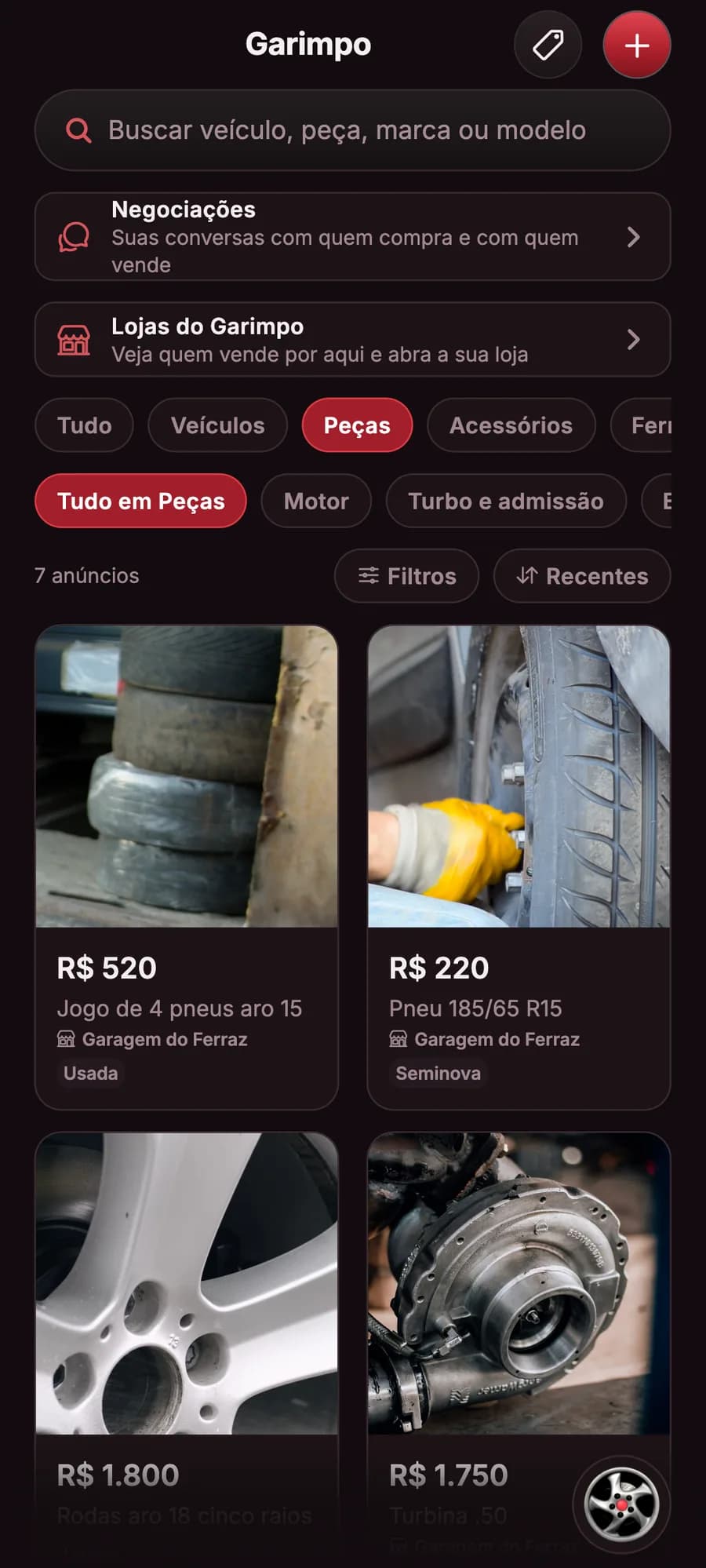
MarketplaceCategories, filters, stores and the newest listings. 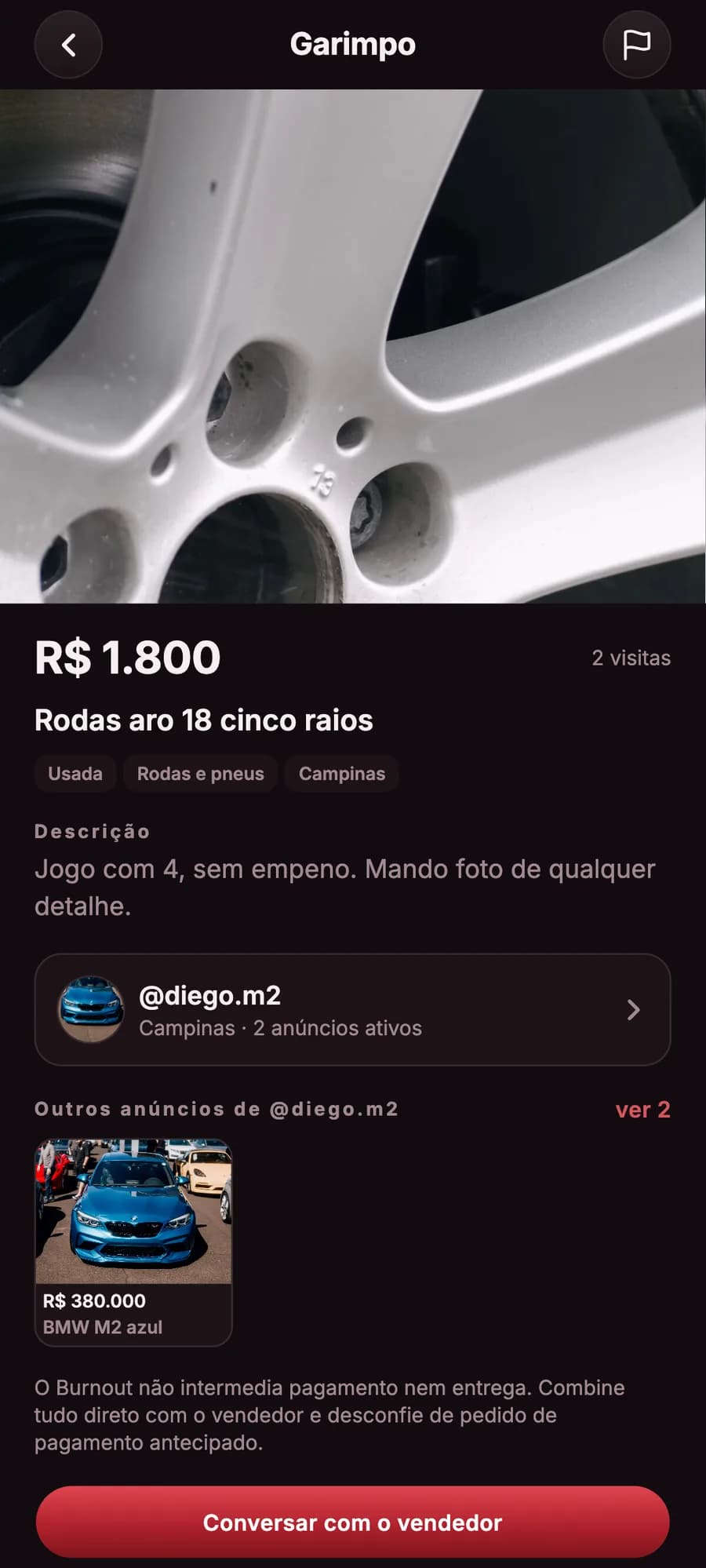
ListingPhotos, price, condition and the seller. 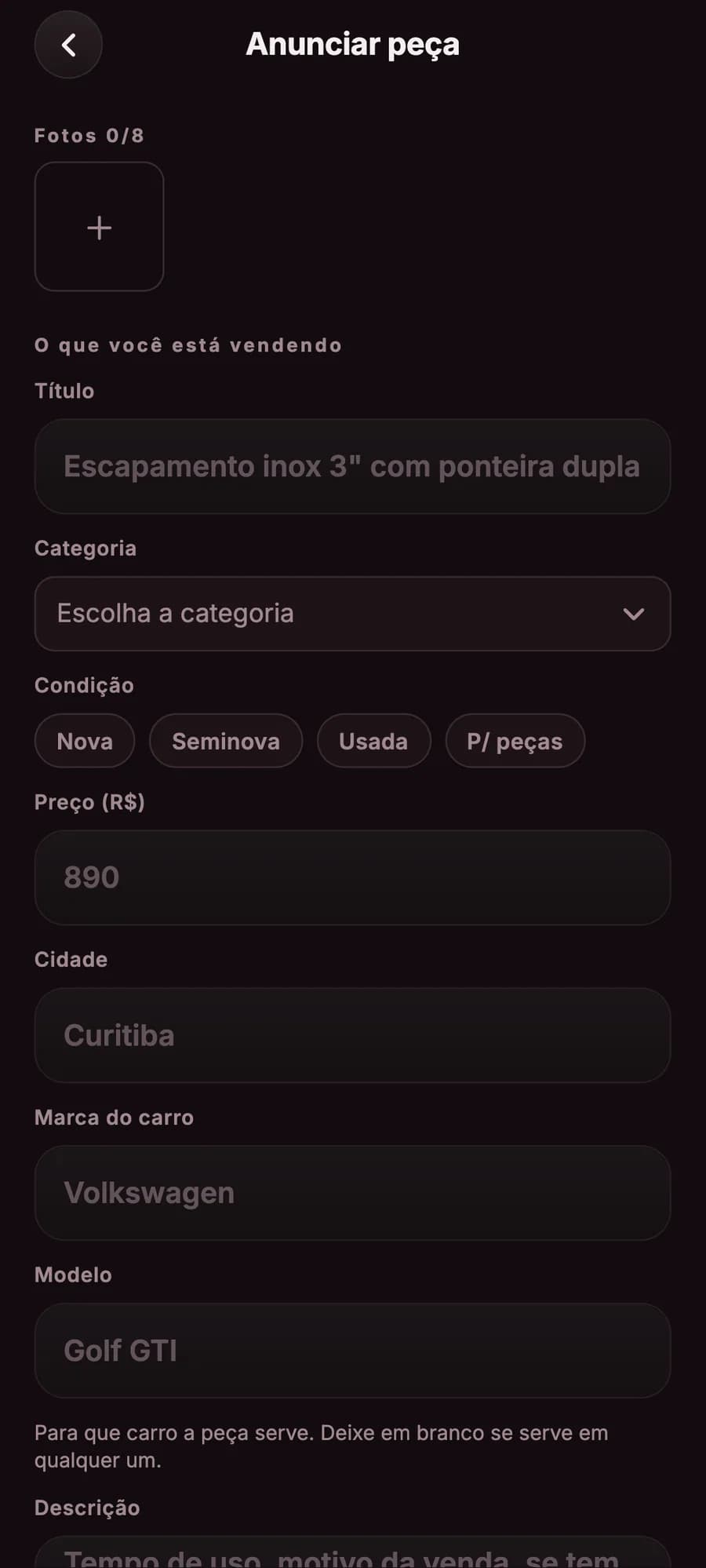
ListUp to 8 photos, category, condition and price. 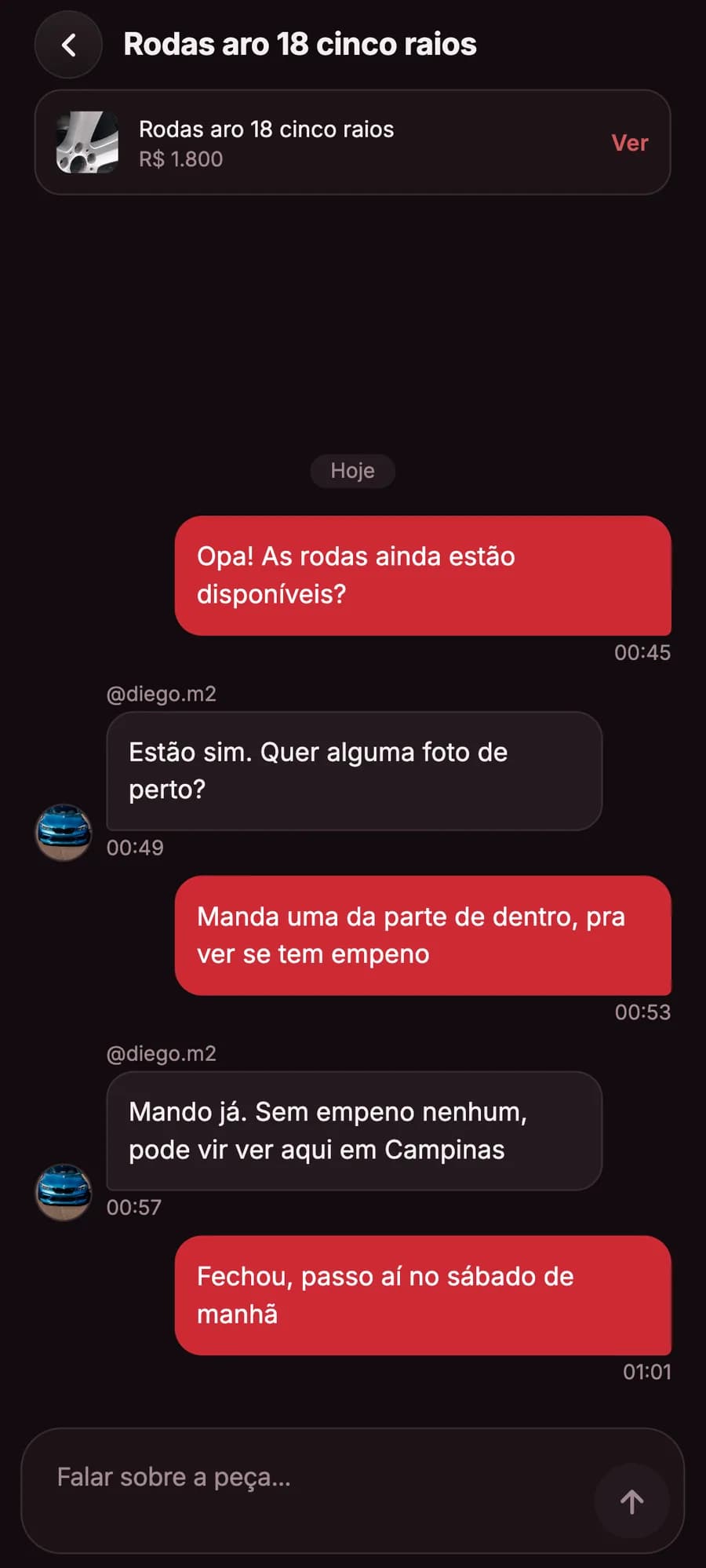
ConversationDeal straight with the seller. 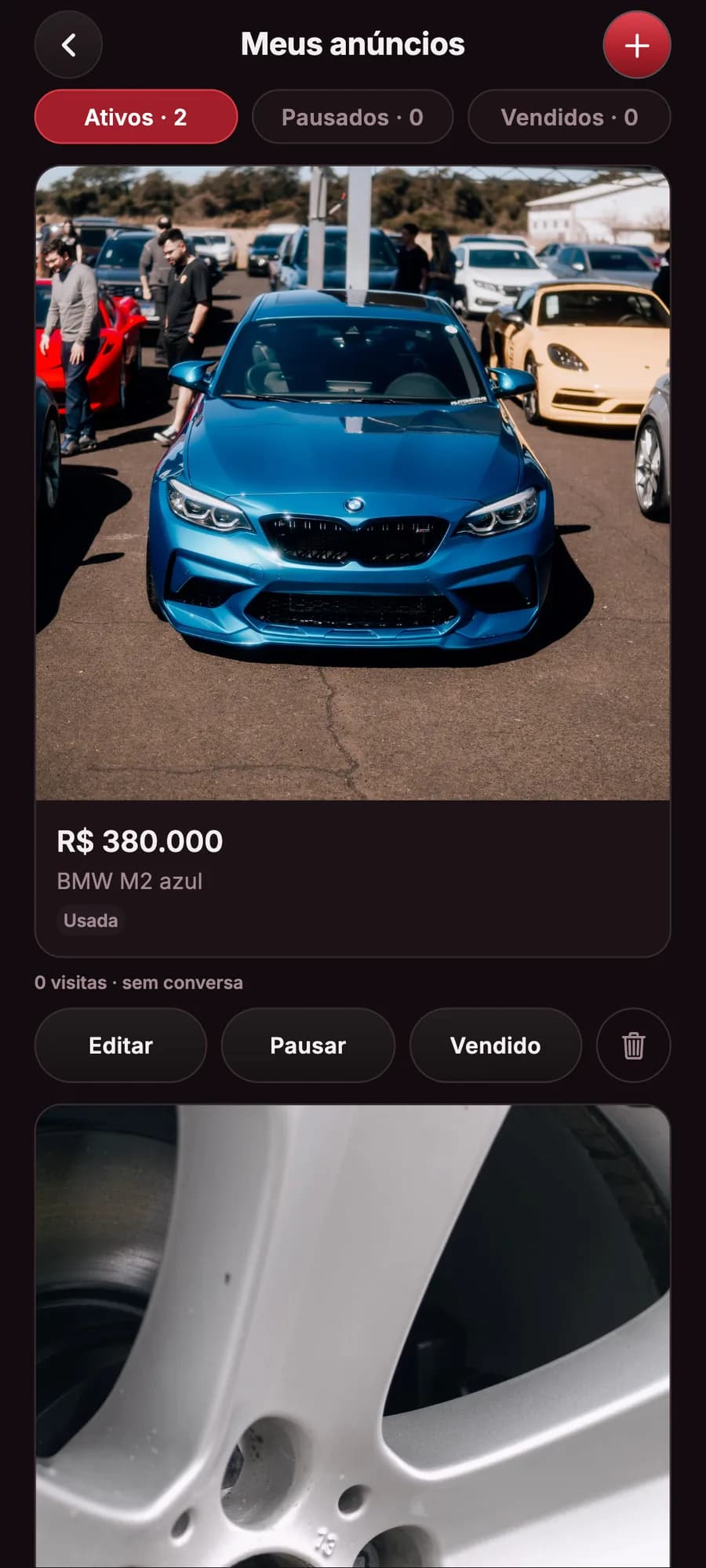
My listingsViews and conversations of each listing. 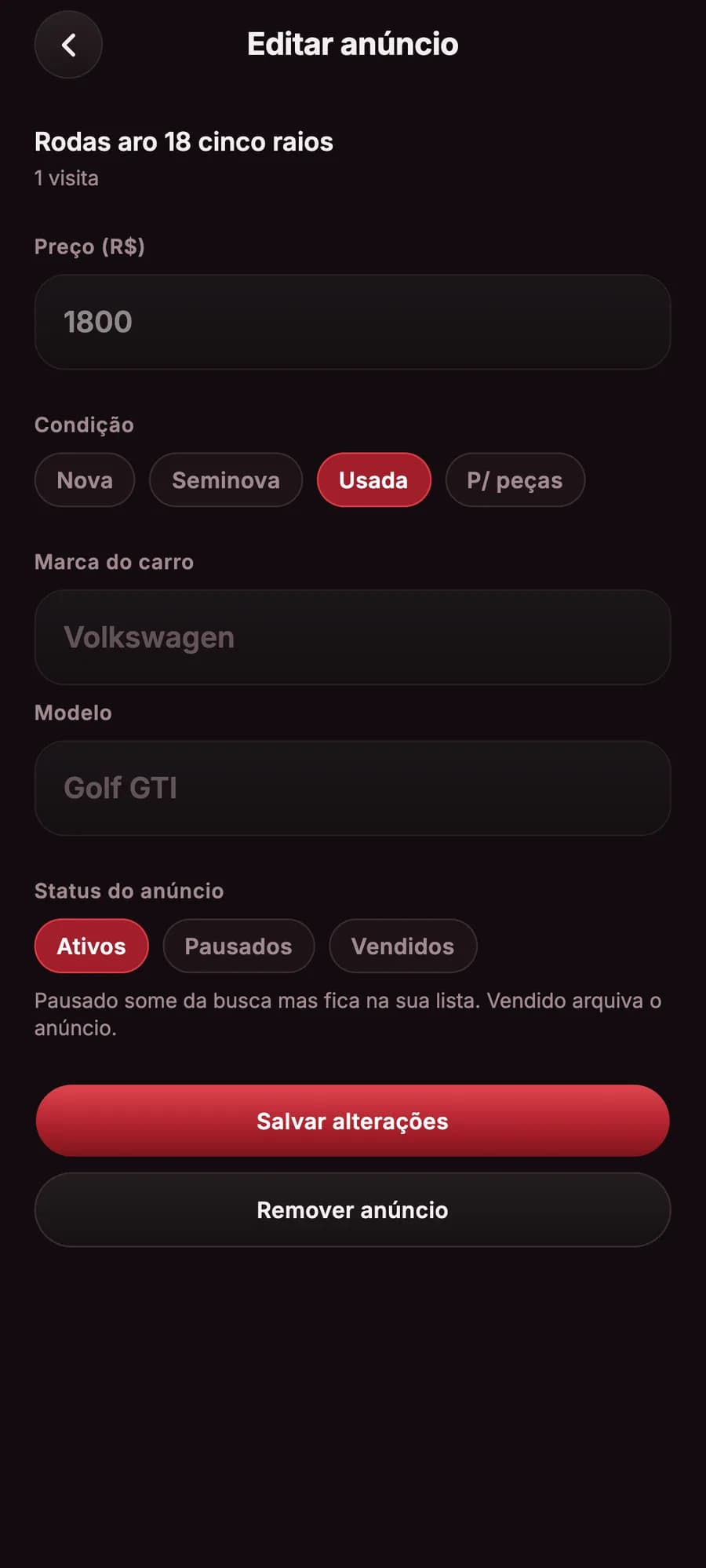
EditChange the price, pause or mark as sold. 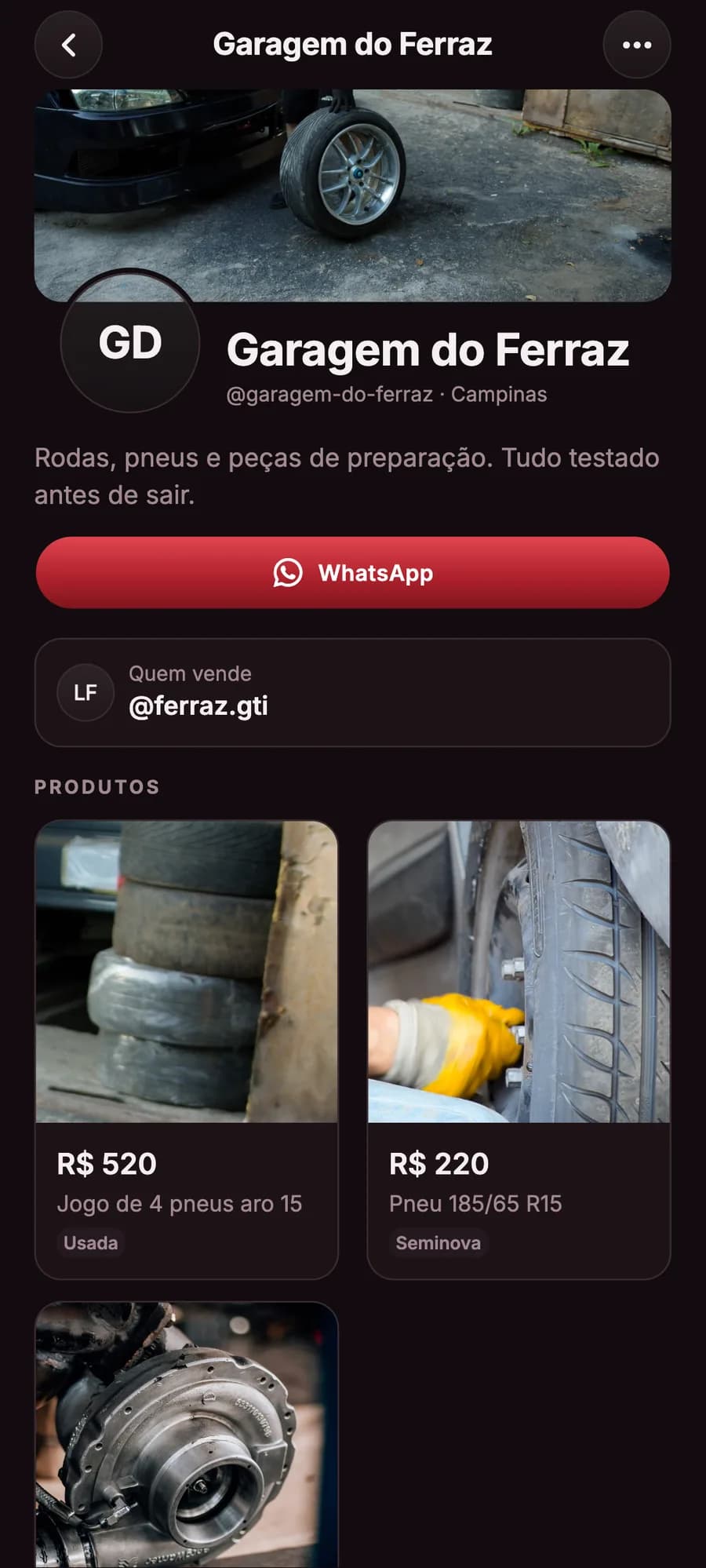
StoreFree, with the store’s products and WhatsApp. 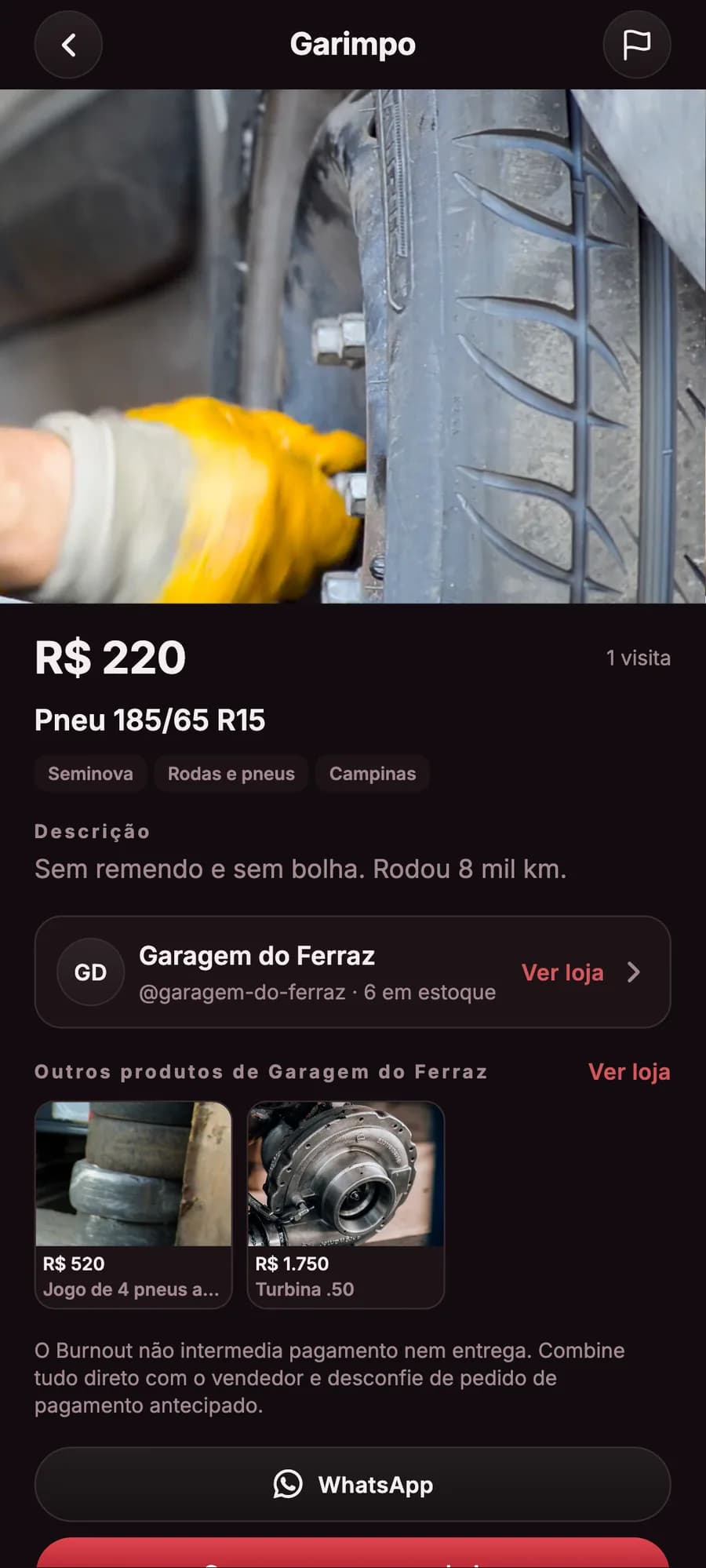
ProductThe store, the stock and the contact in the listing. 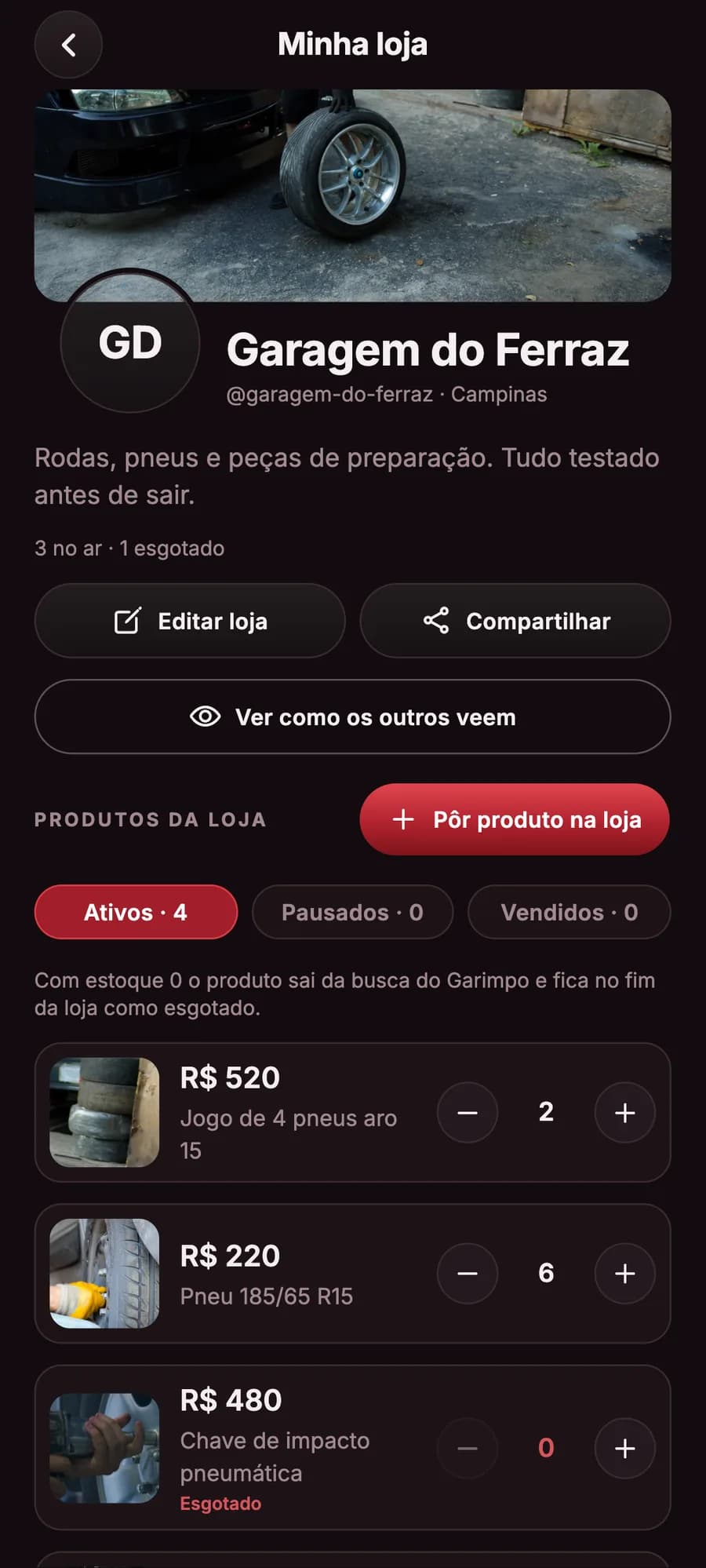
My storeEach product’s stock on + and −.
For people who live cars
Own one, build yours or still dream of it: the scene is the same.
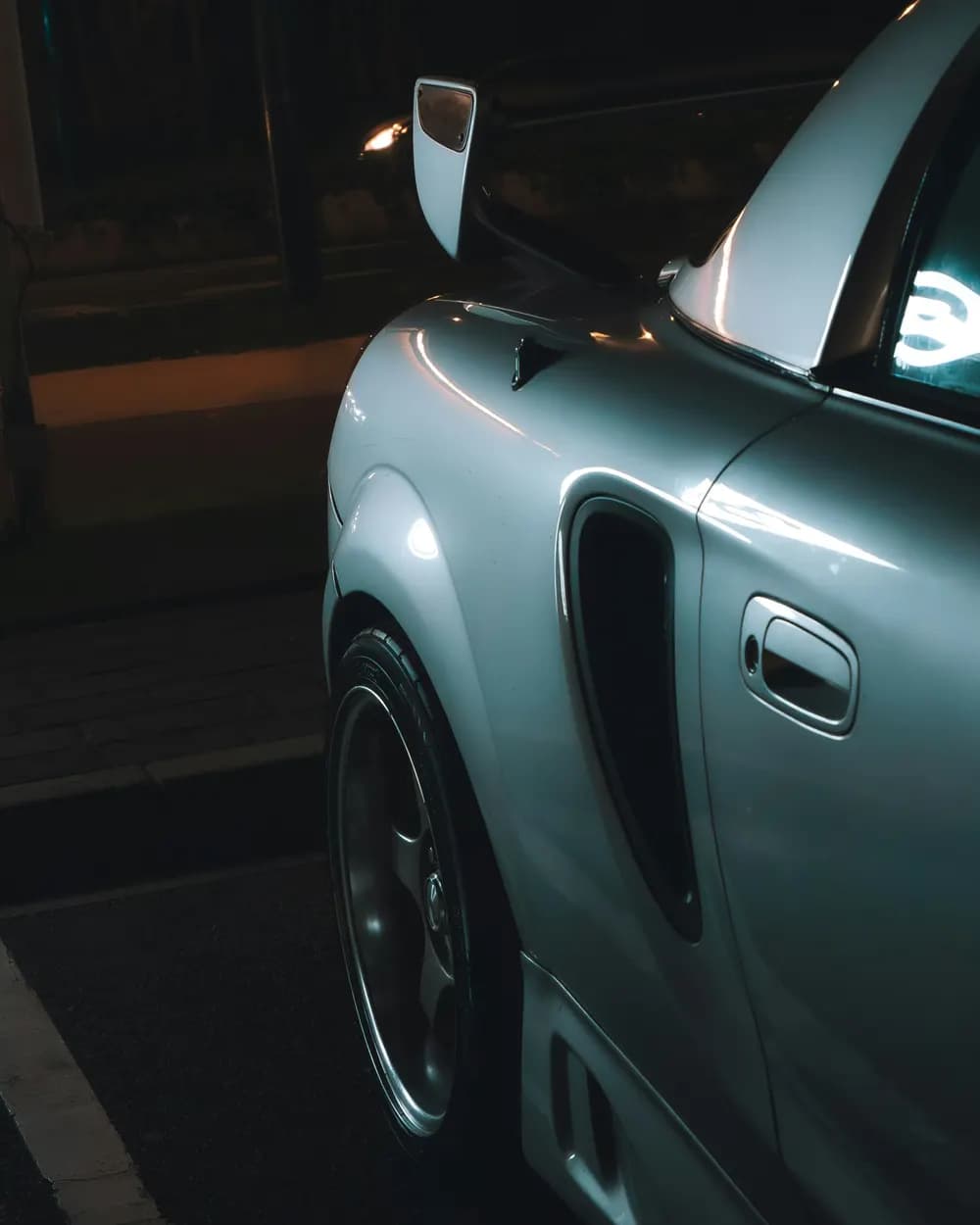
Owners
Give your car its own profile, with photos, spec sheet and followers.
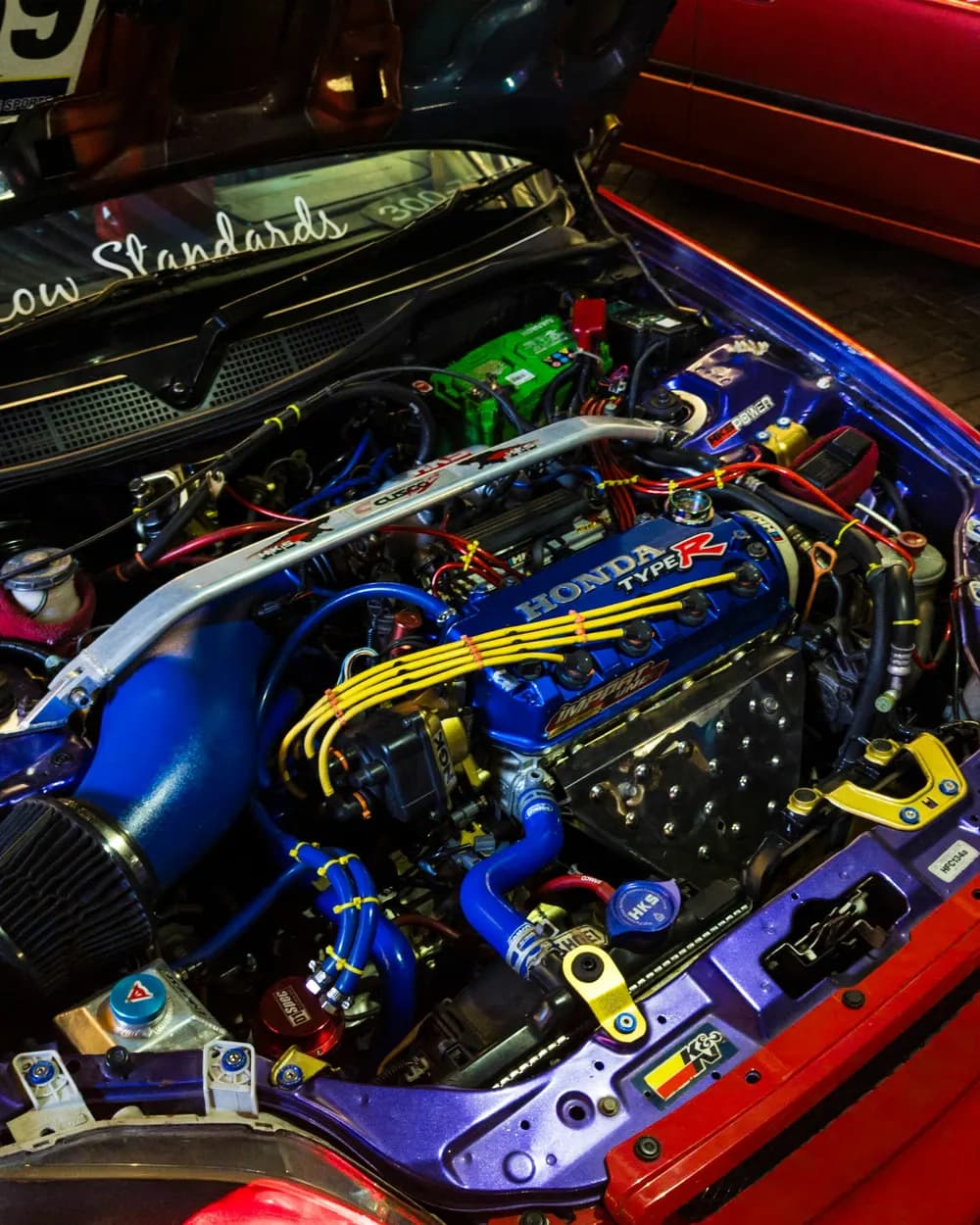
Builders
Tell your build by category and show each stage of the project in posts on the car.

Dreamers
You don’t need a car: follow the ones you like and the people who make the scene.
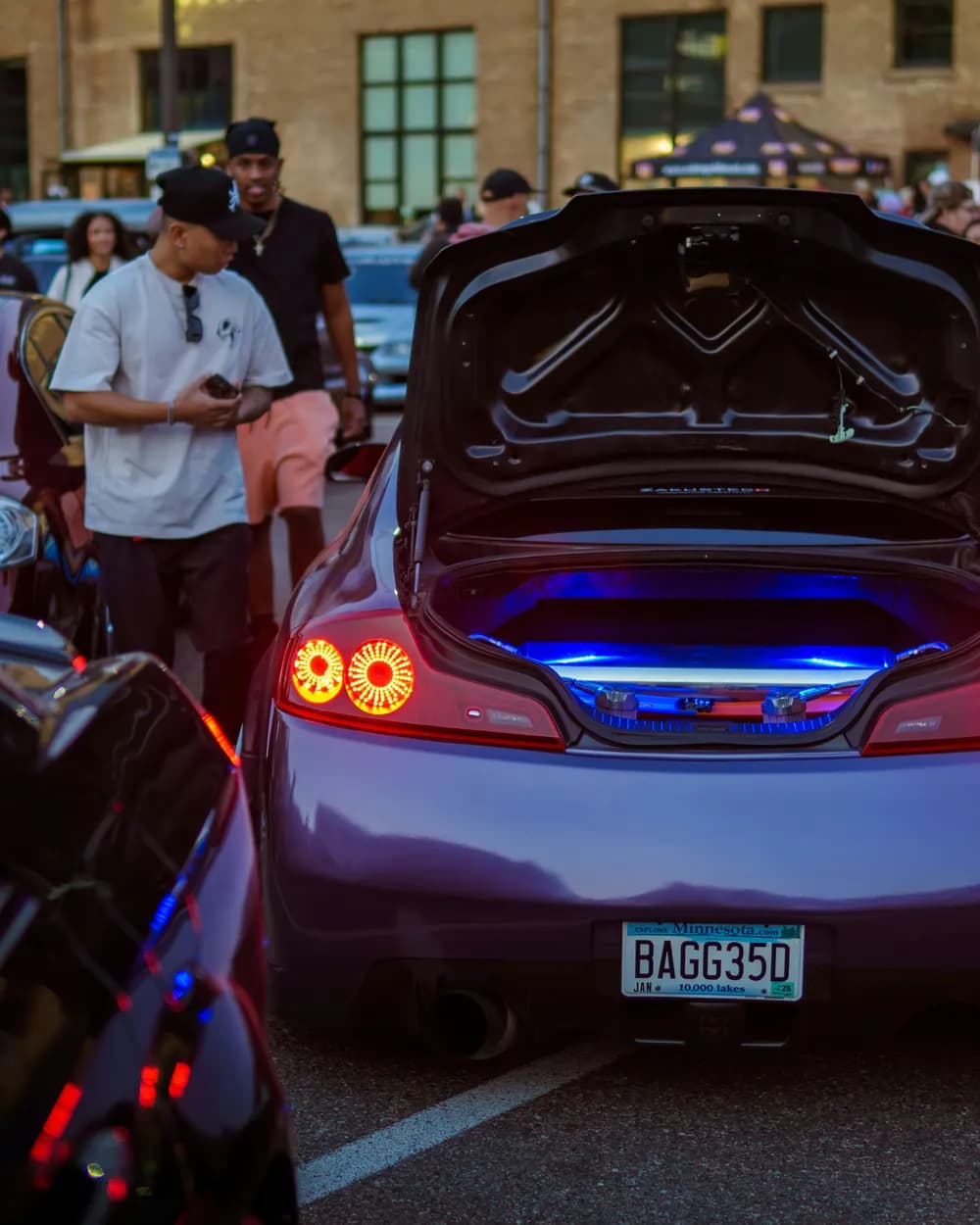
Crew organizers
Start the club, approve who joins, set the meet and talk to everyone.
Getting started
Three steps and you’re in the scene.
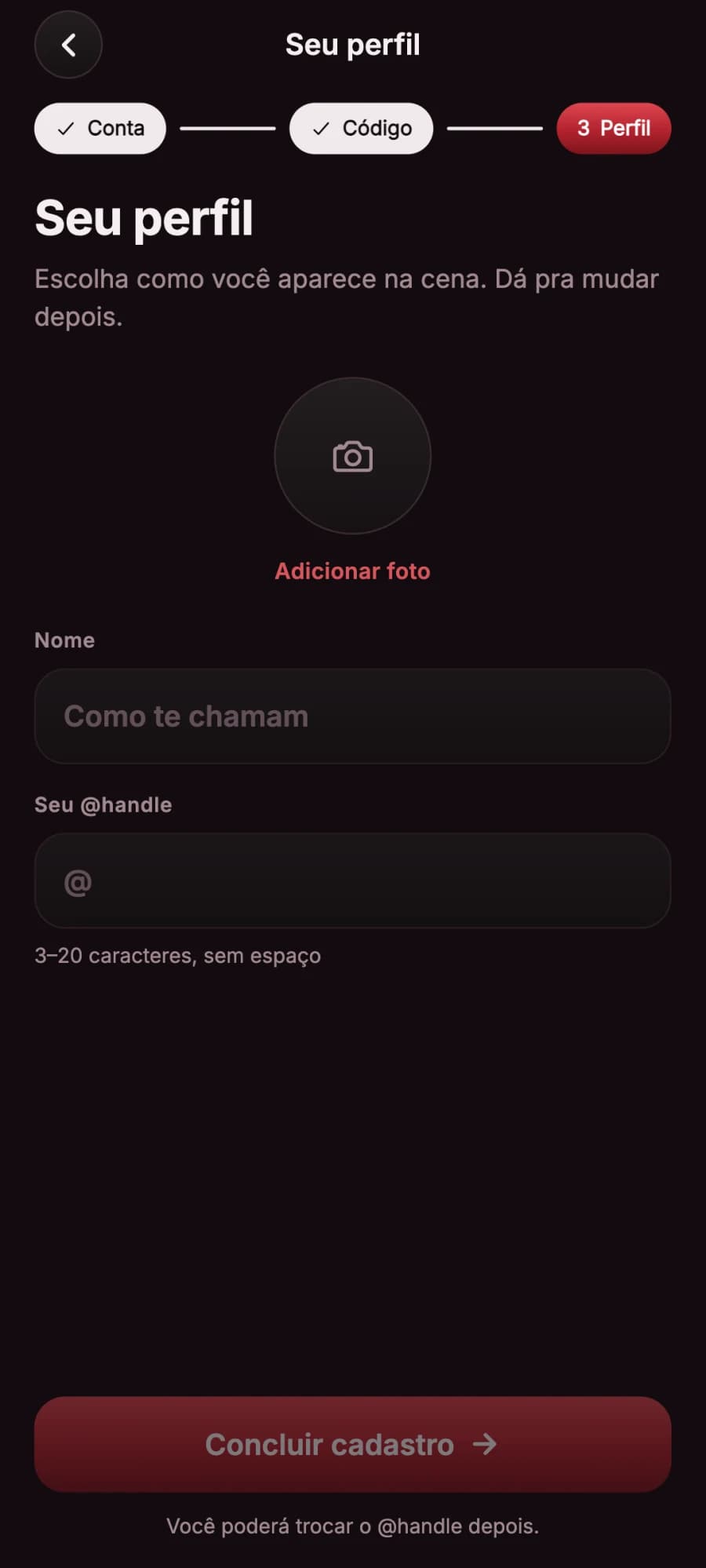
Create your account
With email and password, and the code that arrives in your inbox, or with your Google account. Then a photo, a name and your @.
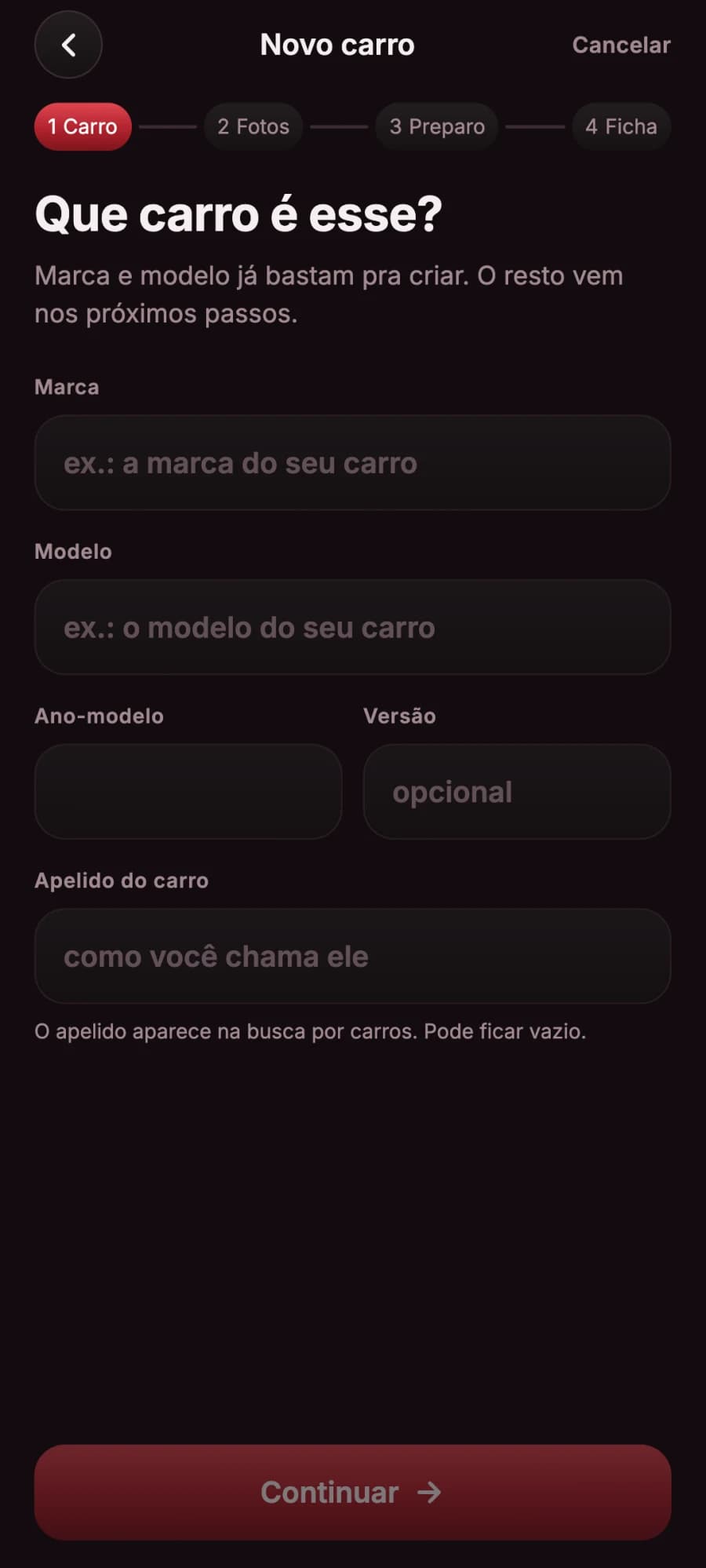
Park your car in the garage
Make and model are enough. Photos, build and spec sheet you can add whenever you want.
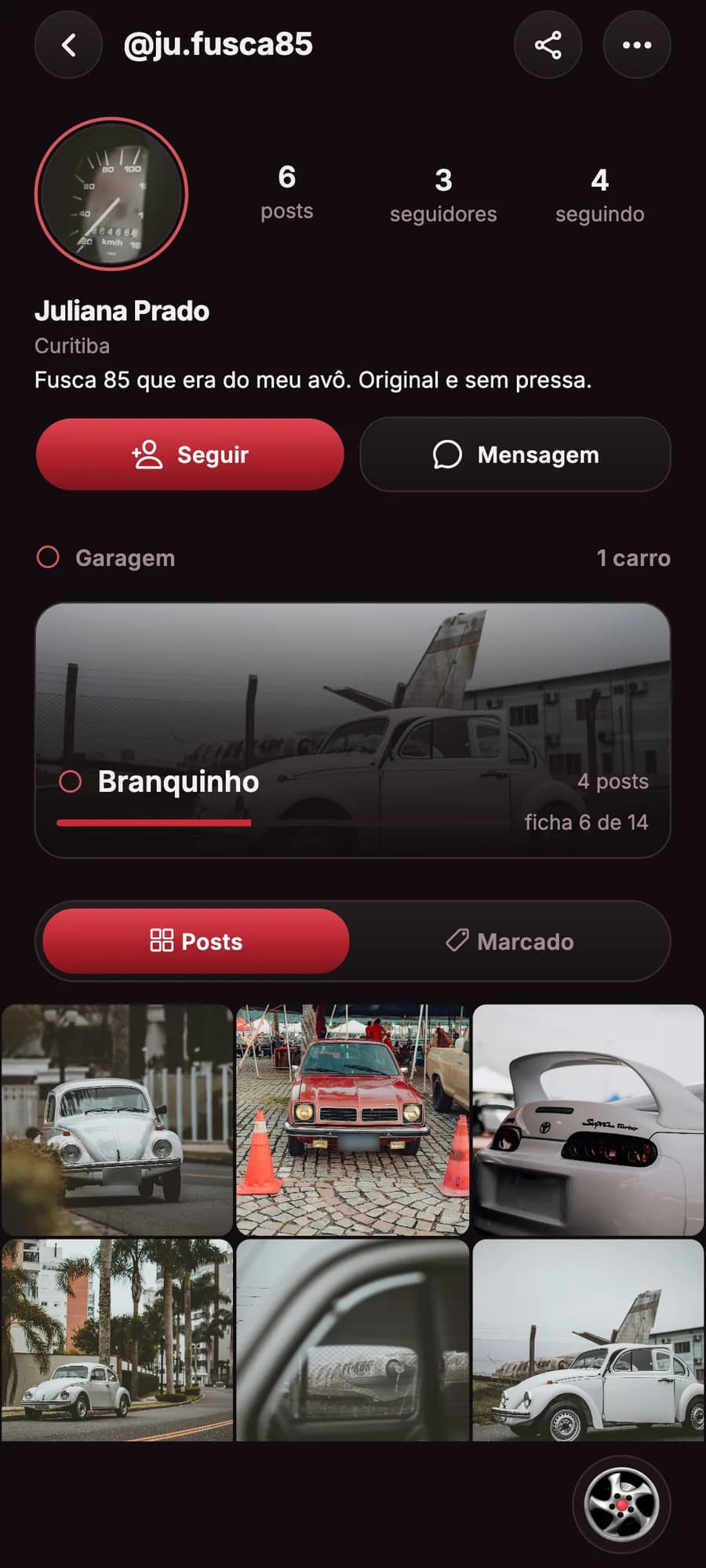
Follow the scene
Follow people and cars, like, comment, send messages and mark attendance at meets.
No car? Skip the second step: everything else works the same.
Questions
What is Burnout?
A social network for car culture. You post, like, comment, chat and follow people and cars, and every car has its own profile, with a spec sheet.
Where do I get the app?
On the App Store, for iPhone, and on Google Play, for Android.
Do I need a car to use it?
No. You can create an account, follow cars and people, like, comment and go to meets without adding any car.
Is it paid?
Using the app costs nothing: account, posts, conversations, Marketplace and map are free. You pay if you want the verified profile badge, a monthly subscription, to boost a post or a listing, or to buy coins; and stores that want to appear on the map pay a monthly plan. See the plans for stores.
Does Burnout organize the meets?
No. The app only spreads the word: whoever creates the meet, the club or the organizer, answers for it. And meets with illegal activity are banned on the platform.
Can anyone see where I am?
Only if you want. Location is optional and is used to center the map and show distances, worked out on the device itself. If you turn on "Aparecer ao vivo" (Go live), your car shows on the map while the app is open, and on a ride, from 1 to 5 hours, also with the app in the background, always only to the people you choose (everyone or just your followers), with the position rounded to the neighborhood by default. It isn’t stored: turn it off, end the ride or leave the app, and it’s gone. When you check in to a meet or sort the Marketplace by distance, the position is used on the spot and discarded. Hotzones only show how many people are in an area, never who, and a club’s HQ only shows to its members.
How does check-in at meets work?
On site: check-in opens 1 hour before the start and counts within 200 m of the meet point. You pick the car you brought, or say you came without a car, and you show up under "Quem chegou" (Who arrived). The app reads your position once, only to check the distance, and doesn’t store it.
Is the spec sheet checked?
No. The car’s owner fills in the spec sheet, and the app shows that it was declared by them.
What is the Marketplace?
The part of the app for listing and finding parts, cars and accessories: listings with photos, price, category and condition, and a chat straight with the seller. Burnout does not handle payment or delivery.
What are coins and missions?
Burnout’s game. Today’s missions give coins for things like following someone, commenting, posting or going to a meet, and reporting a station’s fuel price also earns coins. With them you buy effects for your profile, your cars and the outline of your pin on the map, and wheels for the app’s menu. Coins don’t turn into money.
What is the club season?
Clubs earn XP from what their members do, and checking in at club meets is worth the most. XP raises the club’s level. Every week there are three crew missions that pay coins to whoever helped, a ranking in the city and in Brazil, the Crown for the club that added the most in its city, and the Pilot of the week, the member who added the most for the club.
Can I invite friends?
Yes. In "Missões de hoje" (Today’s missions), tap "Convide amigos e ganhe moedas" (Invite friends and earn coins) and share your link. Whoever creates an account through your invite and claims their first mission earns 50 coins, and you earn 100, for up to 10 invites a month. The rules are in the Terms of Use.
How do I report or block someone?
Every post, comment, car, profile, event, club, listing and story has the "Denunciar" (Report) option, and so does someone else’s message, and the person reported never sees who reported them. Reporting a message opens the conversation around it to moderation. To block, use the menu on the person’s profile.
How do I delete my account?
In the app, under Ajustes › Excluir minha conta (Settings › Delete my account), or here on the website, at oficialburnout.com/excluir-conta, signing in with your account. What happens to your data is explained in the Privacy Policy.

Get the app
Burnout is on the App Store, for iPhone, and on Google Play, for Android.
Speed & Culture.